




Sumo Paint version 1.0, from Finnish company Snap Group, is a new Web-based image editor. This free software does not require any installation to function, just a Web browser that supports Flash.
Functional Package
Sumo Paint has all the basic tools for editing and drawing spectacular images. In addition there are a bunch of unique and advanced features for more professional image editing. Sumo Paint includes the following:
* The Shapes Tool
* Layers With Blending Modes
* Awesome Brushes
* The Ink Brush Tool
* Filters Sumo
* Gradient Tool
* Gravity
* Shape Trails
* Zooming
* Symmetry Tool
* Color Picker
* Swatches
* Smudge Tool
* Custom Shape Tool
Built-in Community
With Sumo Paint you can create, edit and save images into your computer or to to your Sumo account. A big part of the popularity of the service are the community tools. Creations can be commented, rated, favorited and even remixed. A unique feature of Sumo Paint community is the Version tree. It grows into a treelike formation when a public image has been remixed.
Click below to see Sumo Paint in action.

This article was last modified on June 19, 2020
This article was first published on January 27, 2009
Commenting is easier and faster when you're logged in!

Recommended for you

How to Make a Cinemagraph in Photoshop
Cinemagraphs are images in which just a portion is animated on an endless loop....
Using Photoshop Templates
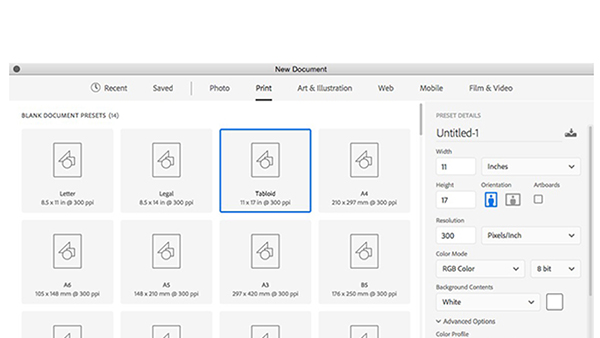
Do you suffer from Blank Page Syndrome like I do? Instead of staring at the void...
CreativePro Video: How to Use Camera Raw in Photoshop
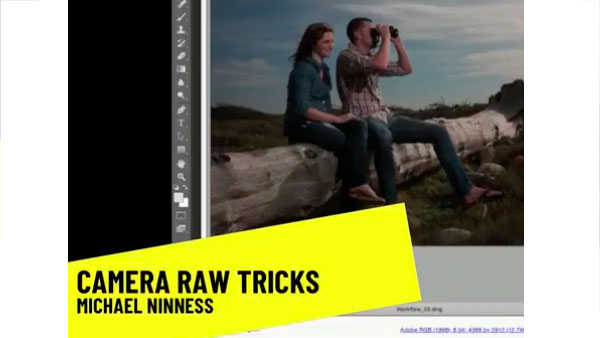
In the following CreativePro video, Michael Ninness shows us how to use Camera R...