



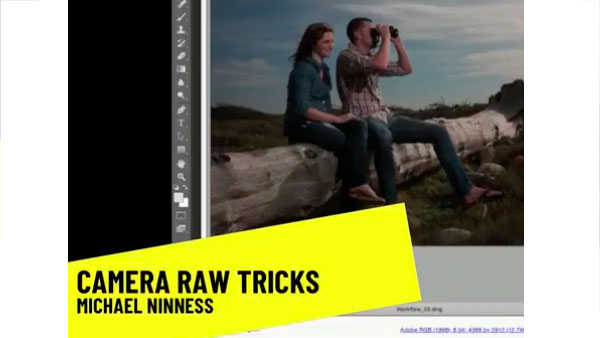
In the following CreativePro video, Michael Ninness shows us how to use Camera Raw for easy image editing in Photoshop. From adjusting contrast, white balance, and vibrance to fixing blemishes and artifacts, he demonstrates why Camera Raw should just be Photoshop’s default workspace. From CreativePro Week.
New videos every Tuesday on our CreativePro YouTube channel. Be sure to subscribe so you don’t miss any!
This article was last modified on August 31, 2018
This article was first published on August 31, 2018
Commenting is easier and faster when you're logged in!

Recommended for you

Index Fixes: Sorting
InDesign doesn't distinguish letter-by-letter and word-by-word sorting, it suppo...
Index Fixes
The usefulness of InDesign’s index function is constrained by bugs and absent fe...

Quick Wins: Handling Images in InDesign
Use these five resources to boost your image-handling skills in InDesign