




Photoshop selections used to be one of the most tedious parts of image editing. Now AI can handle much of the heavy lifting in seconds.
In this session, Photoshop expert Colin Smith shows how modern AI-powered selection tools can dramatically speed up retouching, compositing, masking, and image-cleanup workflows. Learn how to get better results faster, when to trust the AI, when to step in manually, and how to combine different selection techniques to solve real editing challenges.
This is a practical, workflow-driven session focused on saving time, reducing frustration, and helping you work smarter in Photoshop.
You will learn how to:
- Create fast, high-quality selections with today’s AI-powered Photoshop tools
- Compare Select Subject and Object Selection for different editing challenges
- Target specific areas of a person with advanced People selections
- Use the Remove tool to quickly find and remove distractions
This article was last modified on May 15, 2026
This article was first published on February 6, 2026
Commenting is easier and faster when you're logged in!

Recommended for you
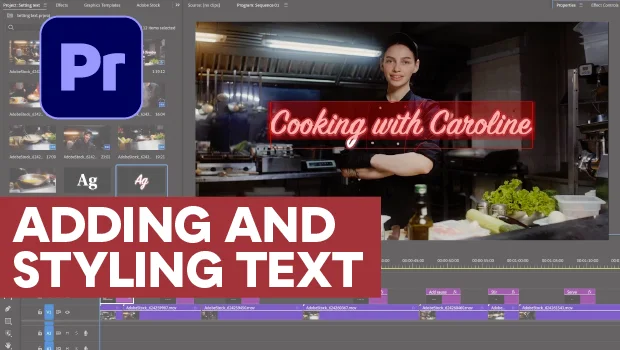
Adding and Styling Text in Premiere
Myra Ferguson covers text formatting and safe margins in Premiere.
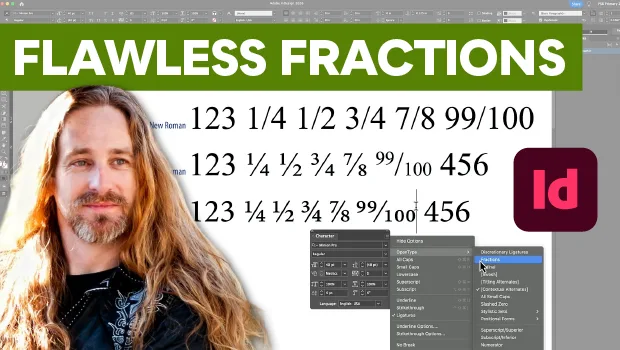
Create Flawless Fractions with OpenType
Choose your font carefully if you need flawless fractions!
The Peter Kahrel Script Repository Gets a CreativePro Makeover
Peter Kahrel is one of the most prolific and influential InDesign scripters of a...