




This article was last modified on June 14, 2024
This article was first published on
Commenting is easier and faster when you're logged in!
Loading comments...

Recommended for you
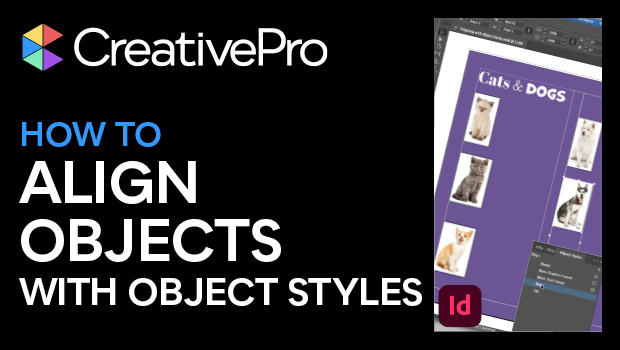
Article
How to Align Objects in InDesign Using Object Styles
Learn how to position objects on the InDesign page with efficiency and precision...

Article
Creating Instant Charts With Chartwell
You can create charts and graphs on the fly from live text with the ingenious fo...

Article
Microsoft’s New Logo
For the first time in a quarter century, Microsoft has unveiled a new logo. The...