



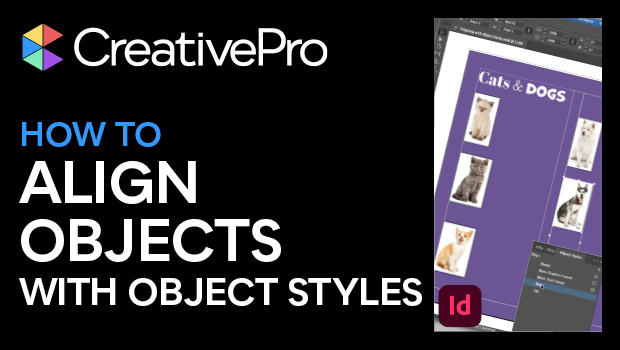
In this InDesign how-to video, Mike Rankin shows how to position objects on the page with efficiency and precision using object styles. This technique is critical for producing professional quality long documents such as catalogs and yearbooks. Lastly, he demonstrates that basing one style on another makes for quick updating of styles throughout a document.
Subscribe to the CreativePro YouTube channel for more helpful design tips!
This article was last modified on August 29, 2025
This article was first published on March 11, 2025
Commenting is easier and faster when you're logged in!

Recommended for you

Tips for Working with Object Styles
David Blatner reveals the power of ten Object Styles tricks and techniques to la...

Tip of the Week: Adding Alt Text to Images With Object Styles
This InDesign tip on adding alt text to images with object styles was sent to Ti...

InDesign Object Styles Convert to DIV classes in EPUB Export
Paragraph and character styles convert to classes, so why shouldn't object style...