




In this week’s CreativePro video, Dave Cross shows off the easy way to repeat a transformation in Adobe Illustrator. If an item has been rotated, moved, skewed, or duplicated, you can apply that same transformation to other items with a simple keyboard shortcut.
New videos every Tuesday on our CreativePro YouTube channel. Be sure to subscribe so you don’t miss any!
This article was last modified on August 29, 2025
This article was first published on February 4, 2020
Commenting is easier and faster when you're logged in!

Recommended for you
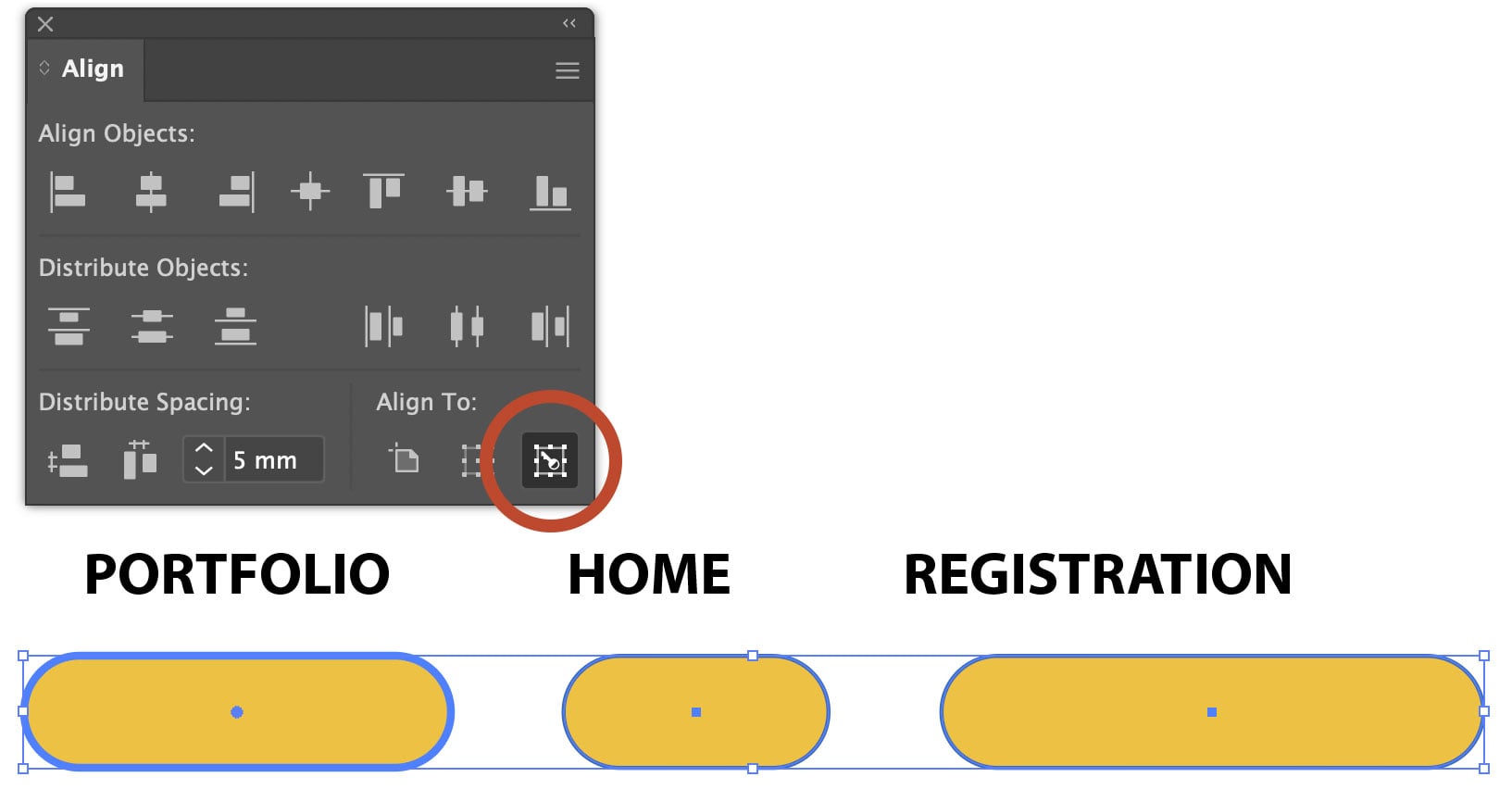
Using Align to Key Object in Illustrator
The Align panel in Adobe Illustrator is a quick and easy way to align or distrib...

Quick Wins: Design Tips
Use these five simple tips from the Before & After magazine collection to boost...
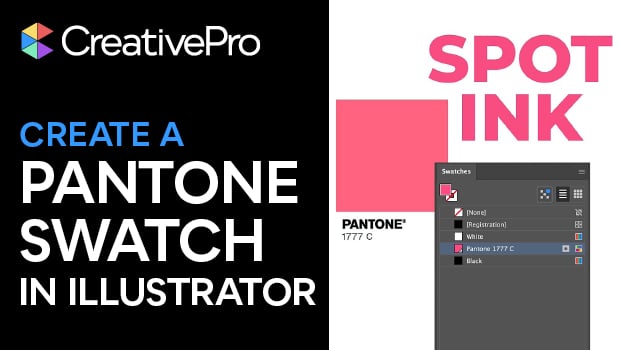
Create a Pantone Swatch in Illustrator
Make your own Pantone Swatch colors in Illustrator with Theresa Jackson.