
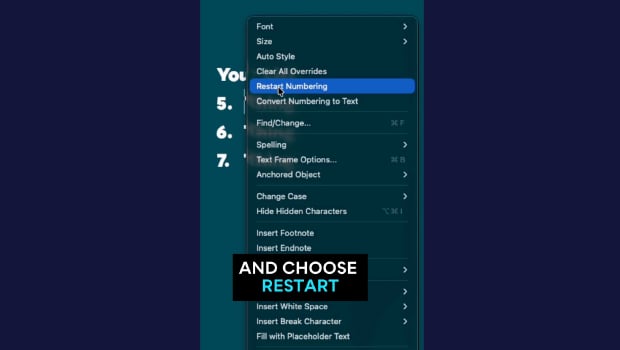
In this short InDesign how-to video, Khara Plicanic shows how to quickly renumber a list. The best part is, she does it without having to dig through all the menus!
Subscribe to the CreativePro YouTube channel for more helpful design tips!
This article was last modified on May 14, 2026
This article was first published on May 14, 2026
Commenting is easier and faster when you're logged in!

Recommended for you

Free Webinar: Super Simple PowerPoint Slides
Learn how to quickly create simple, professional slides that connect with your a...

Create an Automatic List Inside a Paragraph
Create automatic numbered or lettered lists inside an InDesign paragraph with th...