




In this “Three Minutes Max” video, Jesús Ramirez packs a couple of seemingly magic tips for enhancing images in Photoshop. He first color corrects a photo using curves by redefining the “auto” setting. Jesús then uses generative fill to composite two images together seamlessly and to provide alternate options to the content of the composite.
Three Minutes Max comes from a fun—yet very competitive—session at our annual CreativePro Week conference. Speakers have three minutes to wow the audience with the tip and win a prize for a lucky conference attendee.
Subscribe to the CreativePro YouTube channel for more helpful design tips!
This article was last modified on August 29, 2025
This article was first published on December 12, 2023
Commenting is easier and faster when you're logged in!

Recommended for you

Livestream Video: Batch Processing Photos in Adobe Bridge
If you're not using Bridge—you should be! Learn how to use its powerful processi...
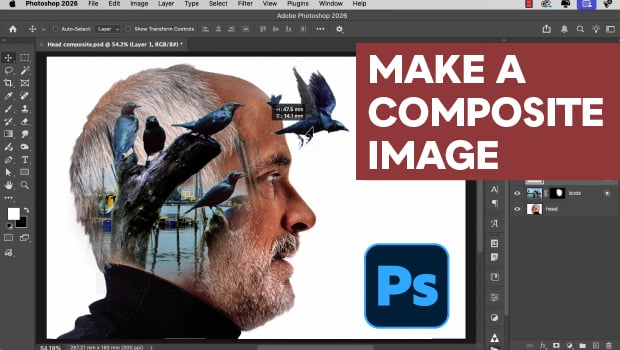
How to Easily Composite an Image in Photoshop
Create an imaginative image of inner thoughts with Steve Caplin.
CreativePro Week 2026 Preview: 5 Indispensable InDesign Sessions
Five sessions InDesign users can't afford to miss