




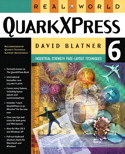
Peachpit Press is offering this book at a discount. Click here to learn more.
That PDF is an important format for print production is now an accepted fact. But until recently, QuarkXPress — the dominant page-layout application — had no built-in support for PDF. You had to launch Acrobat Distiller to create PDF files of your QuarkXPress layout — certainly not a hardship, but a bit of a nuisance nonetheless.
While you can still make PDF files that way, it’s no longer necessary in QuarkXPress 6. That’s because Quark licensed Global Graphics’ Jaws technology — a PDF “clone, if you will — that allows you to export your layouts as PDFs directly from within QuarkXPress.

In this excerpt from “Real World QuarkXPress 6,” David Blatner explains the three main methods of making PDF files from QuarkXPress. If you produce print projects in QuarkXPress, you won’t want to miss this one.
We’ve posted this excerpt as a PDF file. All you do is click this link “Acrobat PDF Files” to open the PDF file in your Web browser. You can also download the PDF to your machine for later viewing.
To open the PDF, you’ll need a full version of Adobe Acrobat (4 or higher) or the Adobe Reader, which you can download here:
 .
.
To learn how to configure your browser for viewing PDF files, see the Adobe Reader tech support page.
Excerpted from “Real World QuarkXPress 6” © 2004 David Blatner. Reproduced by permission of Pearson Education, Inc. Publishing as Peachpit Press. ALL RIGHTS RESERVED.
This article was last modified on January 11, 2022
This article was first published on January 23, 2004
Commenting is easier and faster when you're logged in!

Recommended for you
Closed Captioning in Premiere
Add captions to your Premiere video to ensure everyone benefits from its audio t...
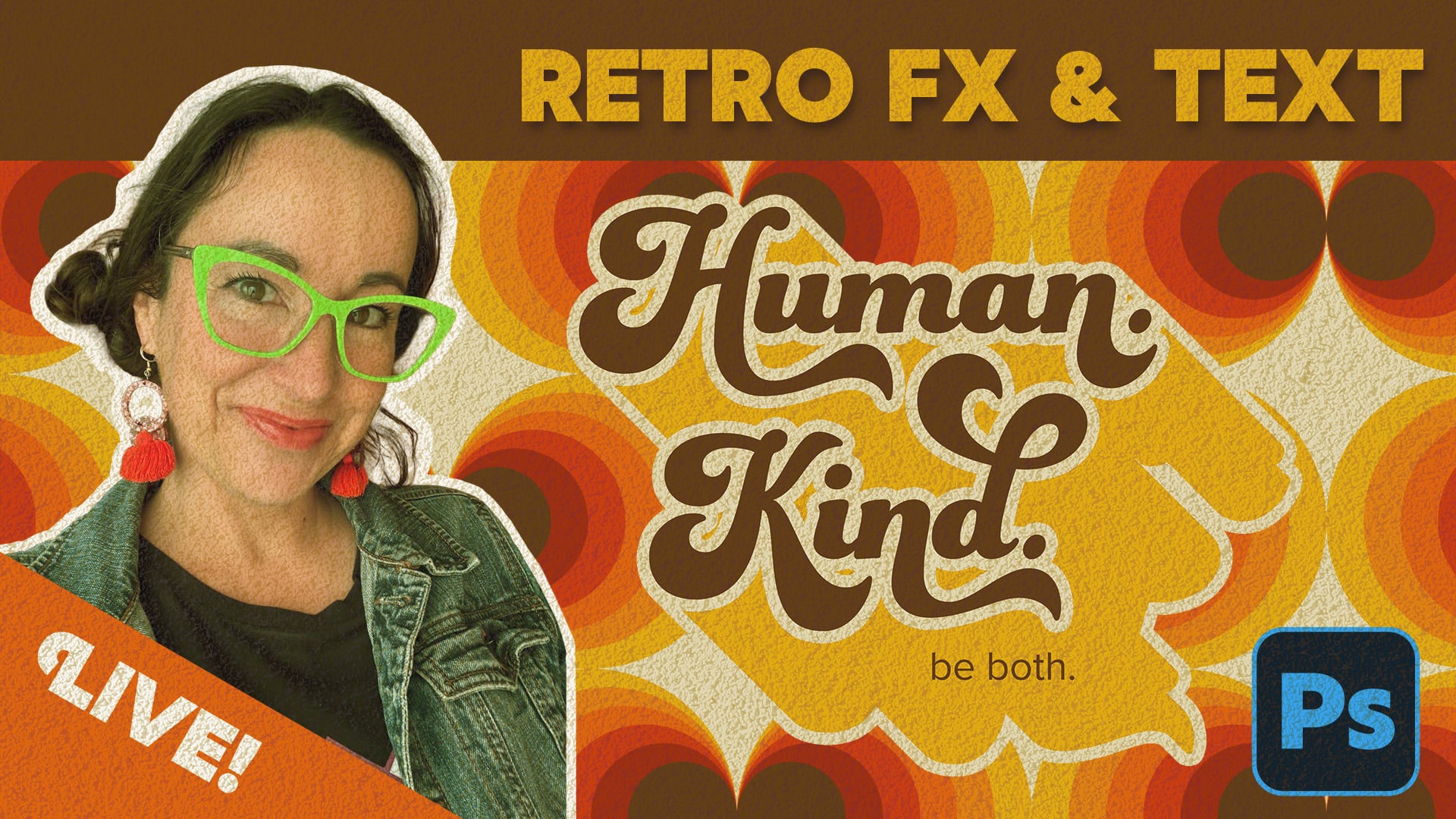
Livestream Video: Creating Retro Looks & Type Treatments in Photoshop
Making new things look old is always a fun challenge!

Sort Cross References
Cross-references are printed in the order in which they were added to the docume...