


Perfect Bound Cover
The book cover template contains two three-page spreads for the inside and outside of the front cover, back cover, and spine. It also contains a basic set of styles that you...

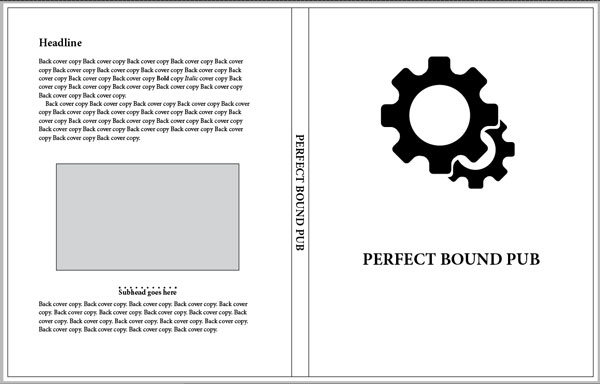
Once again, the original template came to us from James Wamser of Ripon Printers. We modified it and added elements to make laying out a cover for a perfect-bound document easy and efficient.
The document contains two three-page spreads for the inside and outside of the front cover, back cover, and spine. To adjust the spine width, simply click on the spine page with the Page tool, and set the desired width in the Control Panel. The text frame on the spine will automatically stay centered, because the page is set to use the Re-center Liquid Page Rule.
The template also contains a basic set of styles that you can quickly adapt to your needs to make a handsome cover for all kinds of print projects.
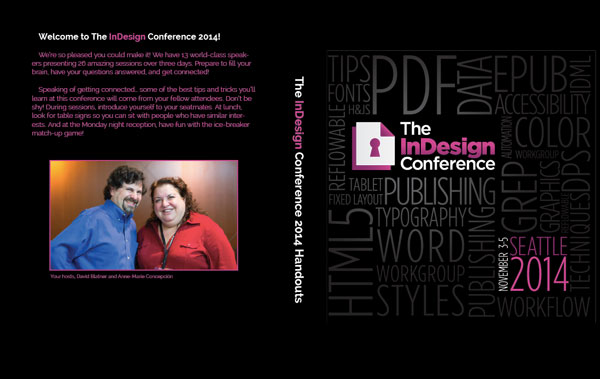
If you’re currently logged in as a member, the download link appears below.
Commenting is easier and faster when you're logged in!

Recommended for you

InDesign's Anchored Objects: More Than Meets the Eye
This article is excerpted from the October/November 2008 issue of InDesign Magaz...

Before&After Magazine Download: Swipe It!
Artistically erase part of an image, shaping it to fit the space.
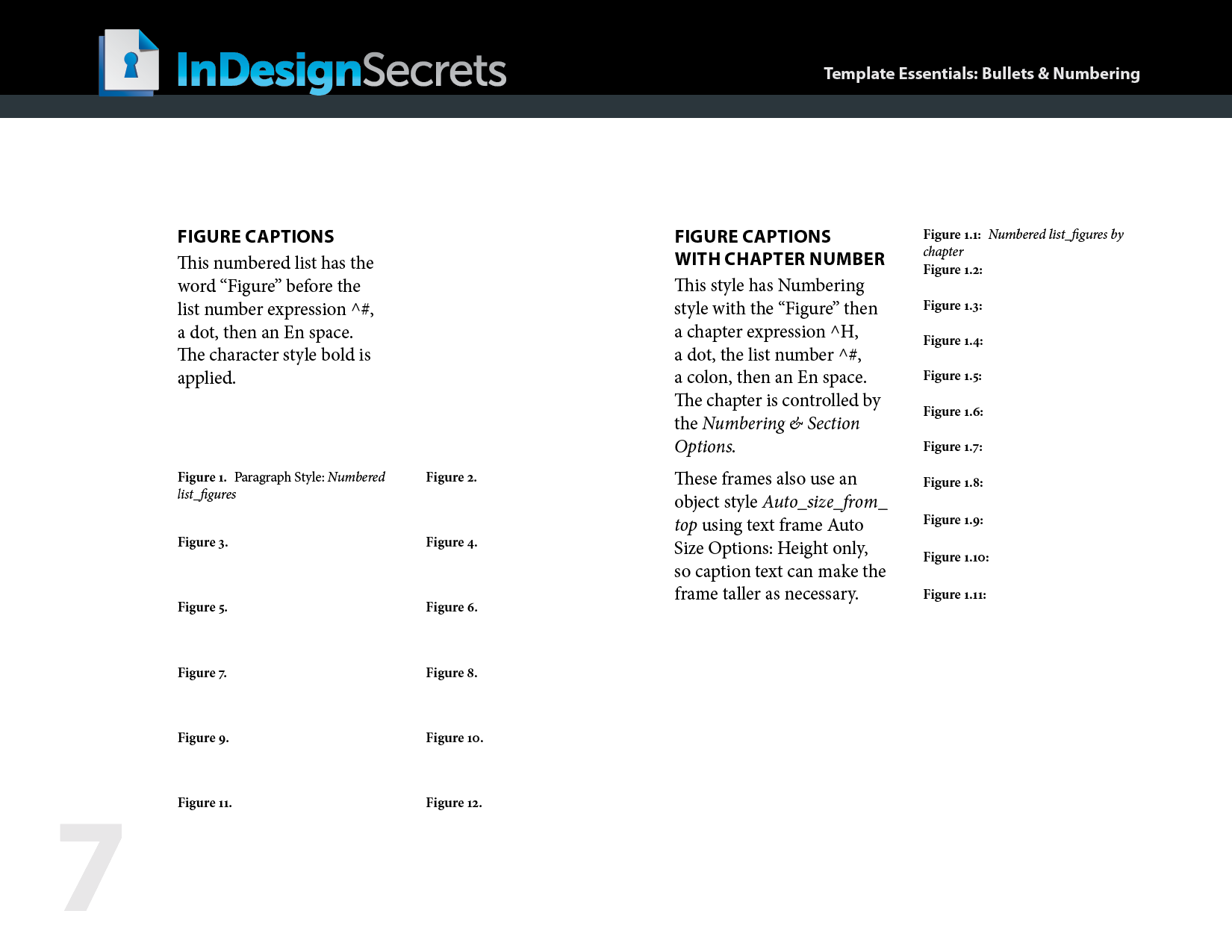
InDesign Template Essentials: Bullets & Numbering
Another great benefit for InDesignSecrets Premium Members: Template Essentials f...