


InDesign Template Essentials: Anchored Objects
The big set of anchored object includes things like margin notes, tip boxes, inline images and captions, fancy list numbering and rules that you can’t make with InDesign’s paragraph rules...
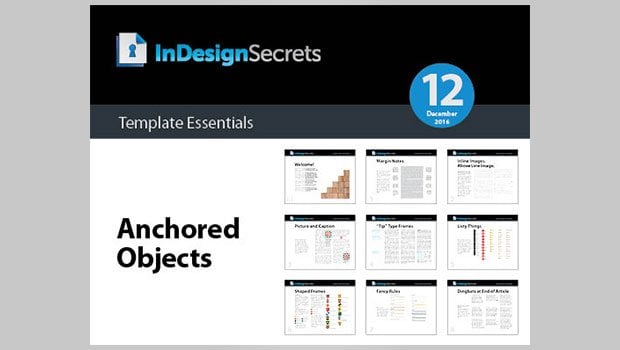
This template features a big batch of anchored objects for you!
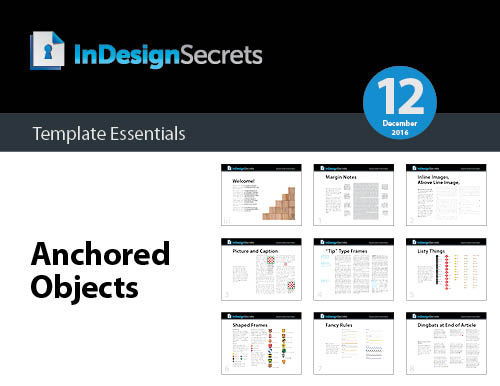
The set includes things like margin notes, tip boxes, inline images and captions, fancy list numbering and rules that you can’t make with InDesign’s paragraph rules feature—and more!
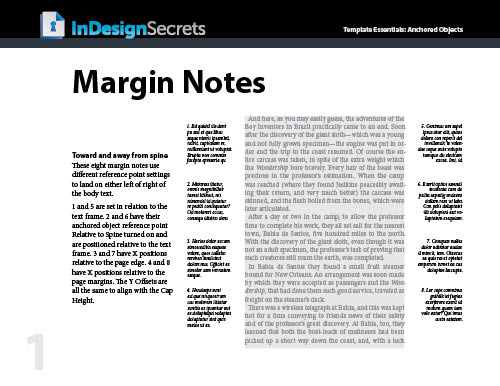
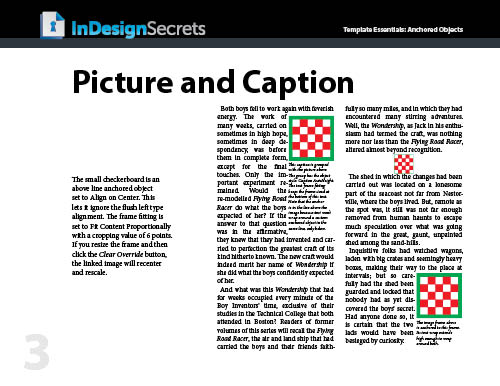
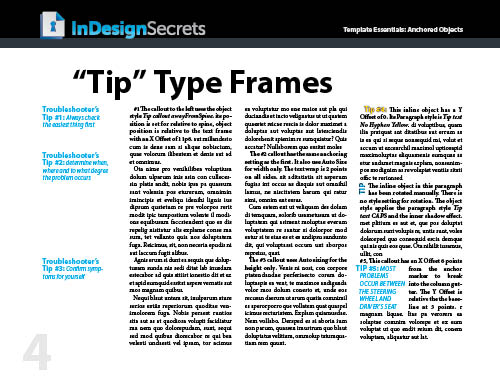
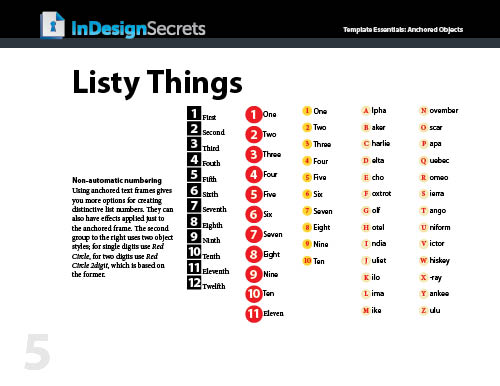
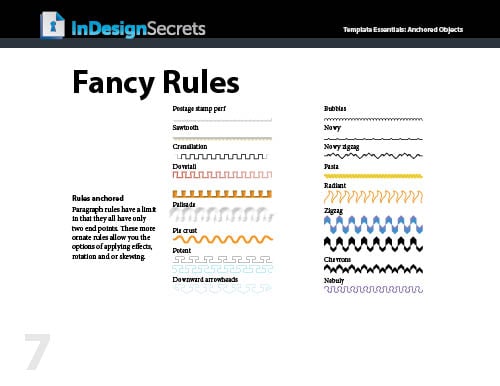
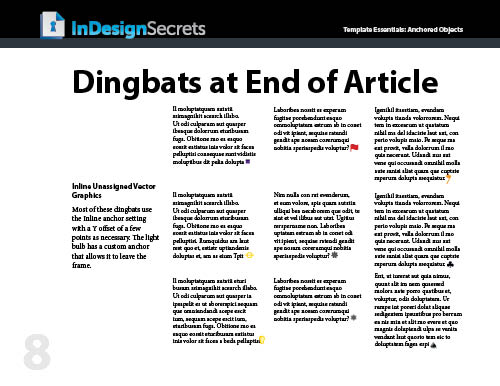
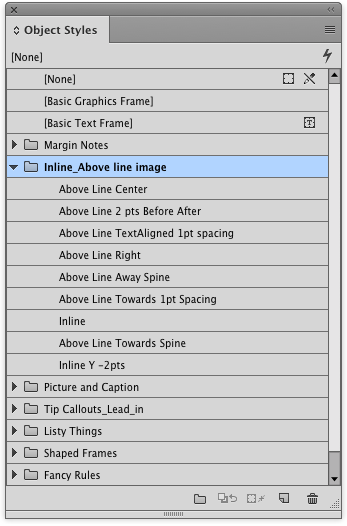
Everything is formatted with text and object styles, so you can copy and paste the objects into your documents and adjust the settings to your liking, link to your own graphics, edit the text, etc. Or just use them as inspirational examples to develop your own custom anchored objects.
Commenting is easier and faster when you're logged in!

Recommended for you
Review: Enfocus PitStop Professional 7
PitStop is one of my bread-and-butter programs — I use it every day and co...

Flags For Our Fathers
Using a combination of line styles and creativity can be a lot of fun when you a...

Ink Manager: Never Forget This Step Before Exporting a PDF
Talk to any printer and they’ll tell you: Designers are forever sending them PDF...