




Total Training has many more titles like this one. Click here to learn more.
The Lens Blur filter in Photoshop CS lets you add selective focus to an image to create interesting visual effects. Much like with a traditional camera, you can use it to create depth of field in an image.
The Lens Blur filter palette lets you experiment with different settings and see the results interactively before committing to an effect.

In this video clip, Photoshop expert Deke McClelland takes you inside the Lens Blur palette to show you how it works.
This video tutorial is a QuickTime movie. Click this link “Photoshop CS Lens Blur” to download the file. Please note: This is a 9.5MB file. It will take some time to download before it begins to play.
If you do not have QuickTime installed, you can get it here:

Excerpted from “Total Training for Adobe Photoshop CS” © 2004 Total Training ALL RIGHTS RESERVED.
This article was last modified on January 3, 2023
This article was first published on September 10, 2004
Commenting is easier and faster when you're logged in!

Recommended for you
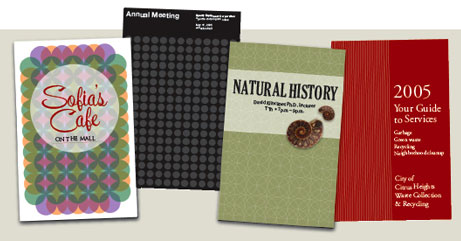
Design How-to: Endless Pattern Possibilities
This story is taken from “Before & After” Magazine. You can subs...

Photoshop Tip: Using History Snapshots
Whether you call them do overs, Mulligans, or second chances, we all need those...
Adjust Photoshop FX quickly and easily with tomaxxiFXcolor
If you like working with Photoshop FX, check out a free extension available on A...