


Photoshop How-To: Better Black and White

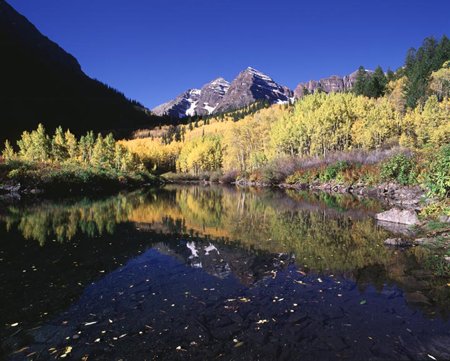
This excerpt courtesy Mark S. Johnson Photography and Radiant Vista
There are many ways to convert an image from color to grayscale. Instead of using your camera’s built-in black and white conversion, you’ll usually get better results if you take control of the conversion process. This article takes you through the process step by step, and even includes additional steps to transform black-and-white photos into infrared images.
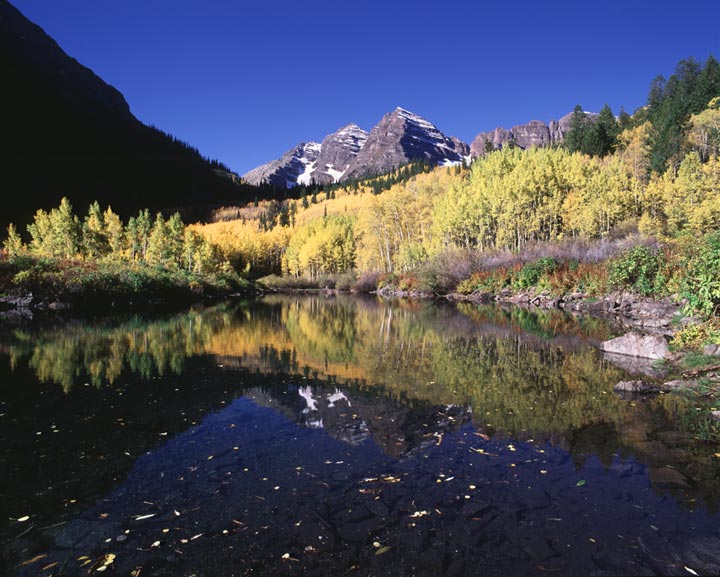
To get you started, the author has supplied a sample photo just right for these techniques. Click on the image below to save a larger version to your computer.
We’ve posted this article as a PDF file. To open the PDF file in your Web browser, click “Black and White.” You can also download the PDF to your machine for later viewing.
To open the PDF, you’ll need Adobe Acrobat or Adobe Reader.
To learn how to configure your browser for viewing PDF files, see the Adobe Reader tech support page.
Note that this excerpt is part of a larger ebook on photographic techniques. For more about the Photographer’s Photoshop CS2 Companion, see the author’s bookstore.
This article was last modified on January 3, 2023
This article was first published on October 27, 2006
Commenting is easier and faster when you're logged in!

Recommended for you

How to Adjust Colors Using Photoshop’s Contextual Task Bar
Learn how to use the Photoshop Adjust Colors feature to make quick, non-destruct...

How to Adjust Colors in Photoshop Using Hue and Saturation
Learn how to manipulate an image’s colors using Photoshop’s Hue and Saturation s...

Using Photoshop’s Generative Fill to Remove Objects
Learn how to simply remove items from an image in Photoshop, without extra conte...