


Photoshop Downloadable: 10 Great Scripts
These ten scripts can save you lots of time and aggravation by performing tasks that are tedious or time-consuming to do manually in Photoshop.

This article appears in Issue 19 of CreativePro Magazine.
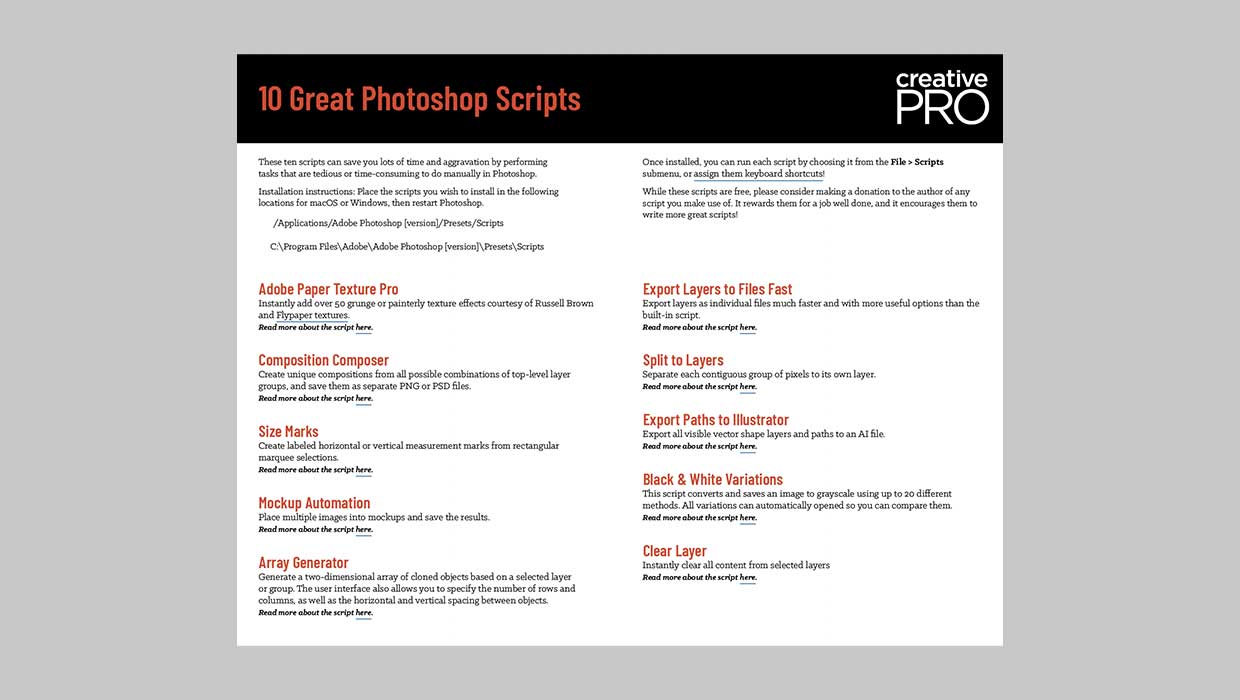
These ten scripts can save you lots of time and aggravation by performing tasks that are tedious or time-consuming to do manually in Photoshop, including:
- Instantly add over 50 grunge or painterly texture effects.
- Create unique compositions from all possible combinations of top-level layer groups, and save them as separate PNG or PSD files.
- Create labeled horizontal or vertical measurement marks from rectangular selections.
- Place multiple images into mockups and save the results.
- Generate a two-dimensional array of cloned objects based on a selected layer or group.
- Export layers as individual files much faster and with more useful options than the built-in script.
- Separate each contiguous group of pixels to its own layer.
- Export all visible vector shape layers and paths to an AI file.
- Save an image to grayscale using up to 20 different methods. All variations can be automatically opened for comparison.
- Instantly clear all content from selected layers.
Commenting is easier and faster when you're logged in!

Recommended for you

Building an Underwater Scene in Photoshop, Part 1
The Oscar-winning film The Shape of Water opens with a stunning sequence in whic...

Photoshop CC 2015.5 New Features
Adobe has promised subscribers to its Creative Cloud plan that it will release m...
Use the History Log to Make Photoshop Take Notes For You
Have you ever finished a complex sequence of steps in Photoshop, and later wishe...