


Building Better InDesign Documents
- Working with Parent Pages in InDesign
- Affinity for Photoshop Users
- Members-Only Video: How to Make a Great InDesign Template
- Quick Wins: InDesign Template Essentials
- Snippets: Design news, inspiration, tips, and fun
April 2026
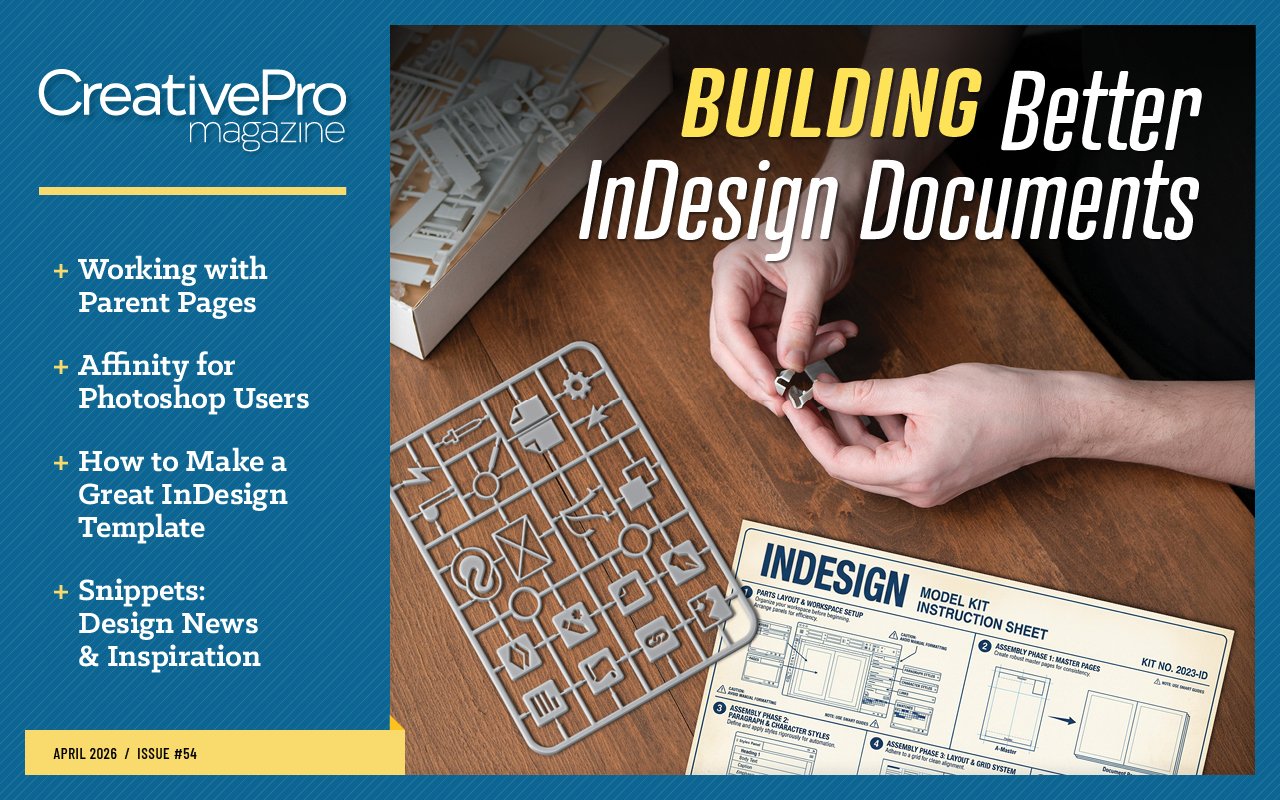

Letter from the Editor
One of my old bosses told me his secret to success was hiring people who were smart, creative, and lazy. His reasoning was that their laziness would provide the motivation to use their intelligence and creativity to find the most efficient ways of getting their work done with the least amount of effort.
It worked like a charm. Our teams were rarely stressed out and never missed a deadline. We often used the extra time to pitch in elsewhere or play with our tools to learn even more cool tips and techniques. It was the classic “work smarter, not harder” strategy, and it was infectious. Once you see how much faster you can accomplish a task in one program, you start wondering what powerful “secrets” are lurking in your other programs. If you’re not careful, one day you may find yourself Editor in Chief of a magazine devoted to this stuff.
In this issue, we have a triple treat of content about saving time and toil by working smarter in InDesign.
If you find yourself manually adjusting elements across multiple pages in InDesign, it’s time for a “parental” intervention, as Pariah Burke explains in our feature article. He shows how to set up hierarchies of parent pages to minimize the work of building complex long documents. He also covers essential tips on detaching and restoring parent page items, converting document pages to parent pages, synchronizing parent pages in a book, and more.
Chad Chelius shares all his best tips for making a great InDesign template in this month’s members-only video.
Quick Wins highlights some of our Template Essentials, which are adaptable building blocks you can use to speed up the production of InDesign documents.
Next, Steve Caplin shows that sometimes the best tool for a Photoshop job isn’t even made by Adobe—and it’s free. He introduces us to the photo filters in the Affinity app, which integrates the previous versions of Publisher, Designer, and Photo into a single free application. But don’t let that zero-dollar price tag fool you into thinking Affinity is just a toy for amateurs. In fact, its filters surpass the ones in Photoshop in several ways. They’re more flexible, easier to use, and offer real-time previews. Once you’ve achieved the look you want, you can easily export the image back to a PSD file and be on your way.
Snippets is a new item offering a quick roundup of design news, tips, inspiration, and fun.
In this month’s podcast, Lisa Carney and Jesús Ramirez have a friendly conversation exploring the intersection of Photoshop craft and community in the age of AI.
And finally, be sure to check out what’s new at our YouTube channel and the Community Calendar of upcoming CreativePro events.
Enjoy!

Recommended for you

10 Ways AI Can Help Designers
10 Ways AI Can Help Designers Members-Only Video: Using Firefly Boards Marginal…

All-Star Tips
Tips and Tricks Features Hidden in Plain Sight InDesigner: InDesign Magazine Scr…
Making Books
Using the Book Panel in InDesign Take Advantage of Location Data in Lightroom CS…