




This article is excerpted from the October/November 2008 issue of InDesign Magazine (#26). Buy the issue or subscribe to the magazine at www.indesignmag.com.
Sure, InDesign’s anchored objects are useful. But they’re also fun! Until you download this PDF and read it, you won’t believe the unusual (yet still useful) ways you can use them.
Click on this link to box.net or on the image below to download the PDF with all the tips.

To open the PDF, you’ll need Adobe Acrobat or Adobe Reader. We highly recommend Adobe Reader 7.0 or above to view this PDF. Download the latest Acrobat Reader here.
To learn how to configure your browser for viewing PDF files, see the Adobe Reader tech support page.
This article was last modified on January 3, 2022
This article was first published on February 23, 2009
Commenting is easier and faster when you're logged in!

Recommended for you
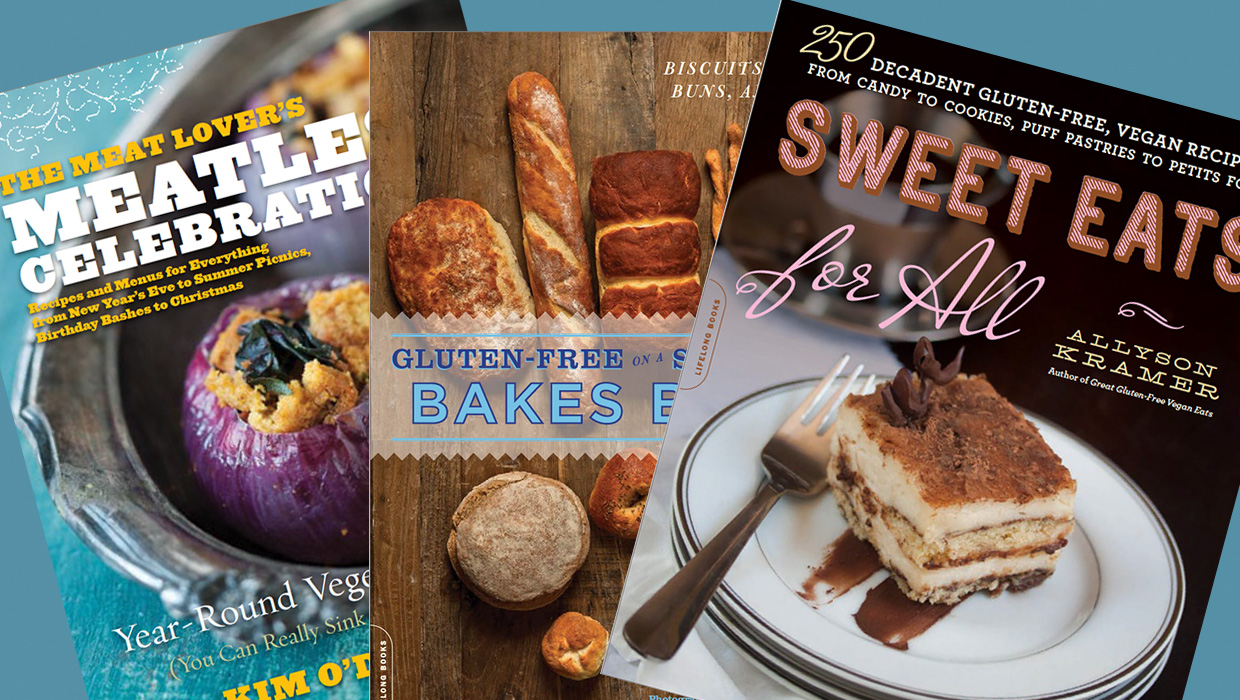
InDesigner: Da Capo Press
Diane Burns shares the story of a publisher whose cookbooks promote good nutriti...

New Zealand Crowdsources New Flag Design
What if Twitter had been around in 1776 when the Founding Fathers asked Betsy Ro...

National Design Museum Gets New Look
Smithsonian’s Cooper-Hewitt, National Design Museum—commonly referred to as the...