




This article appears in Issue 108 of InDesign Magazine.
Time for another exclusive template for our Premium members! (Not a Premium member? Sign up here and get $10 off with the discount code: TEMPLATE)
This month it’s a template for a PDF presentation. The template is in 16:9 format (1920 × 1080), and it comes with 9 slide designs, plus a clever trick for making bullet points appear one at at time, when the presenter wants to show them.

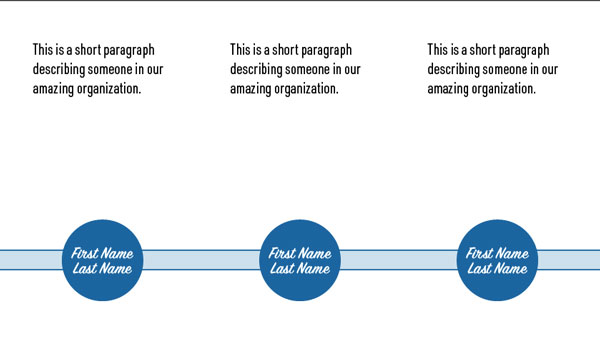




Everything is formatted with styles that you can use or adapt.

The fonts used are all available to sync from Typekit, or you can redefine the text styles to use your own fonts.
Commenting is easier and faster when you're logged in!

Recommended for you

Quick Wins: InDesign Template Essentials
Use these five Template Essentials collections to speed up your InDesign documen...

Illustrator Downloadable: Art Deco Borders and Brushes
Custom patterns and brushes to add a sleek and swanky style to your designs

Illustrator Downloadable: Tropical Shadow Overlay Kit
Add some tropical color to your next design with these symbols, swatches, and gr...