




In the latest episode of InDesign Secrets on lynda.com, you can learn how to achieve some cool text effects by rotating text and text frames independently. David Blatner shows how to get different results by using different tools. You can keep your text horizontal, and rotate the frame to a different angle.

Or keep the frame level, and rotate the text.
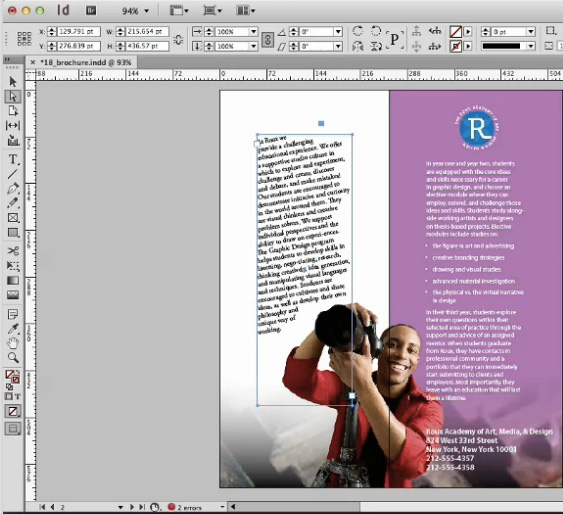
Both looks are easy to achieve. You just have to pay attention to what tool you’re using, and follow the steps shown in the video.
This article was last modified on March 5, 2025
This article was first published on July 20, 2014
Commenting is easier and faster when you're logged in!

Recommended for you
How to Be a Better Graphic Designer: Sweat the Details
Nigel French reminds us how much the little things matter in design.

Quick Wins: Handling Images in InDesign
Use these five resources to boost your image-handling skills in InDesign
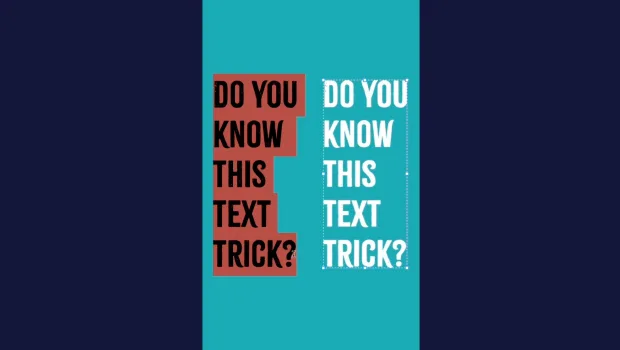
Convert to Outlines in InDesign and Keep Your Editable Text
Khara Plicanic creates text outlines and keeps an editable copy with one click!