



The next issue of InDesign Magazine is coming soon and the theme is…(drumroll please)…workarounds!

So it’s only appropriate (yet entirely coincidental) that in the latest InDesign Secrets video at lynda.com, David Blatner shares one of the most amazing workarounds you’re likely to ever see. He shows how to build a table of contents with any text (not just the text that’s on the document pages), using the index feature along with GREP Find/Change.
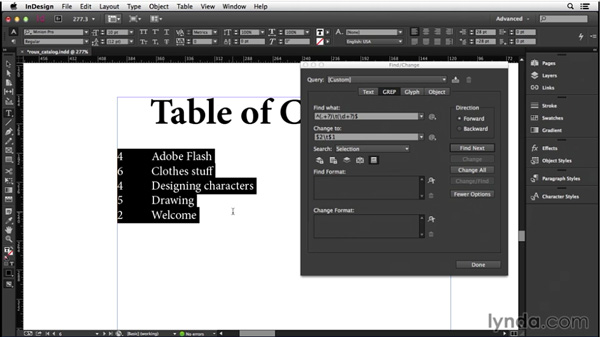
It’s insanely creative, and something only a 9th degree InDesign black belt would even think of. Yet the process not difficult to follow at all. You don’t need to be a GREP master to understand what’s going on and copy it for your own uses.
If you’ve ever been frustrated by the limitations of InDesign’s TOC feature, this one’s for you. Check it out in the InDesign Secrets video series at lynda.com.
And be on the lookout for issue 66 of InDesign Magazine for lots more workarounds!
This article was last modified on March 5, 2025
This article was first published on September 26, 2014
Commenting is easier and faster when you're logged in!

Recommended for you

InDesign Tip: Multiple Tables of Contents in One Document
InDesign lets you create multiple Tables of Contents within a book or a doc...

How to Create Ring Charts in Illustrator
Learn an easy way to make a ring chart in Illustrator by using dynamic shapes an...
InDesign Magazine Issue 66: Workarounds
We’re happy to announce that InDesign Magazine Issue 66 (October, 2014) is...