



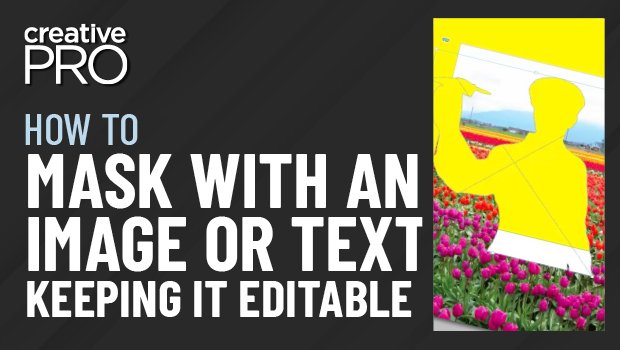
In this InDesign how-to video, David Blatner shows how easy it is to create a mask—or a knockout—using text or an image. The image mask’s points can then be edited and any text used as a mask remains editable.
This is an excerpt from Anne-Marie Concepción and David’s “The Best of InDesign Secrets” session at CreativePro Week 2020.
Subscribe to the CreativePro YouTube channel for more helpful design tips!
This article was last modified on August 29, 2025
This article was first published on June 1, 2021
Commenting is easier and faster when you're logged in!

Recommended for you

The Universal Shortcuts
InDesign, Illustrator and Photoshop are similar, but what shortcuts do they shar...
Case sensitive spell checks
Can you add capitalized words to a custom dictionary and have InDesign flag the...

QuarkXPress 7 Webinars Ready for Registrants
Quark Inc. will offer three free webinars about QuarkXPress 7 over the...