



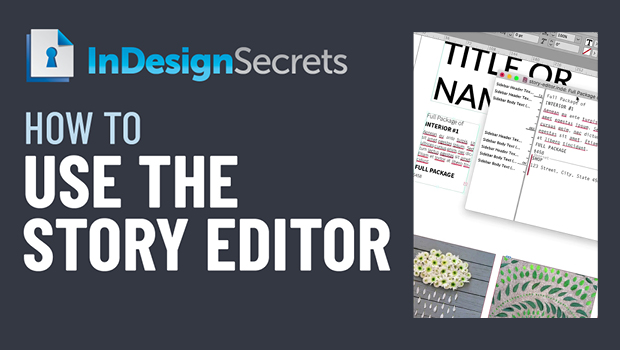
In this InDesign video, Bart Van de Wiele shows how using the Story Editor is just like having X-ray vision! He demos using it to see just the content of text frames without the distraction of formatting for easy editing and problem solving.
Check out new tutorials every other Tuesday on our InDesign Secrets YouTube channel, then join the discussion on our Facebook group!
This article was last modified on August 29, 2025
This article was first published on July 19, 2021
Commenting is easier and faster when you're logged in!

Recommended for you

Tip of the Week: Use the Story Editor When Designing With Text
This InDesign tip on using the Story Editor when designing with text was sent to...

Sleuthing With Snippets
Mike encounters a strange Story Editor symbol from the Far East, uncovers its id...
Editing Hyperlink Source Text
If you’ve ever tried to edit the source text of a hyperlink in InDesign, y...