




In this InDesign how-to video, David Blatner shows how to quickly move photos on a page into a grid. Using object styles and the Content Collector tools, he moves the scattered images into neatly-ordered rows and columns.
Check out new tutorials every other Tuesday on our InDesign Secrets YouTube channel, then join the discussion on our Facebook group!
This article was last modified on August 29, 2025
This article was first published on August 16, 2021
Commenting is easier and faster when you're logged in!

Recommended for you

Tip of the Week: Using Frame Fitting Options for Templates
This InDesign tip on using frame fitting options for templates was sent to...
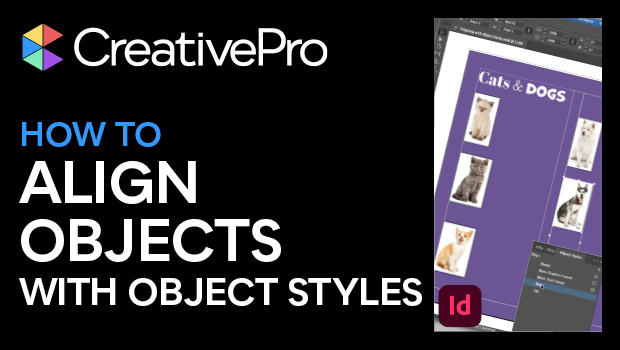
How to Align Objects in InDesign Using Object Styles
Learn how to position objects on the InDesign page with efficiency and precision...

InDesign How-to: Anchor Corners to a Frame
See how to anchor graphics to a frame's corners so they stay in place, even as t...