



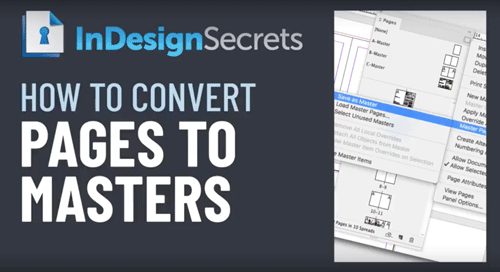
In this week’s InDesignSecrets video, Anne-Marie Concepción shows how easy it is to quickly convert InDesign document pages to master pages. So even if a document starts out without masters, it’s an easy process to create them.
Check out new tutorials every Tuesday on our InDesign Secrets YouTube channel, then join the discussion on our Facebook group!
This article was last modified on August 29, 2025
This article was first published on October 16, 2018
Commenting is easier and faster when you're logged in!

Recommended for you

Rotate Multiple Spreads
If you have many spreads to rotate, even the more easily accessible menu command...
Stop InDesign from Shuffling Pages
Stop InDesign from shuffling your pages with Laurie Ruhlin.
Using InDesign’s Parent Pages
Learn how to update your long documents instantly with parent pages!