



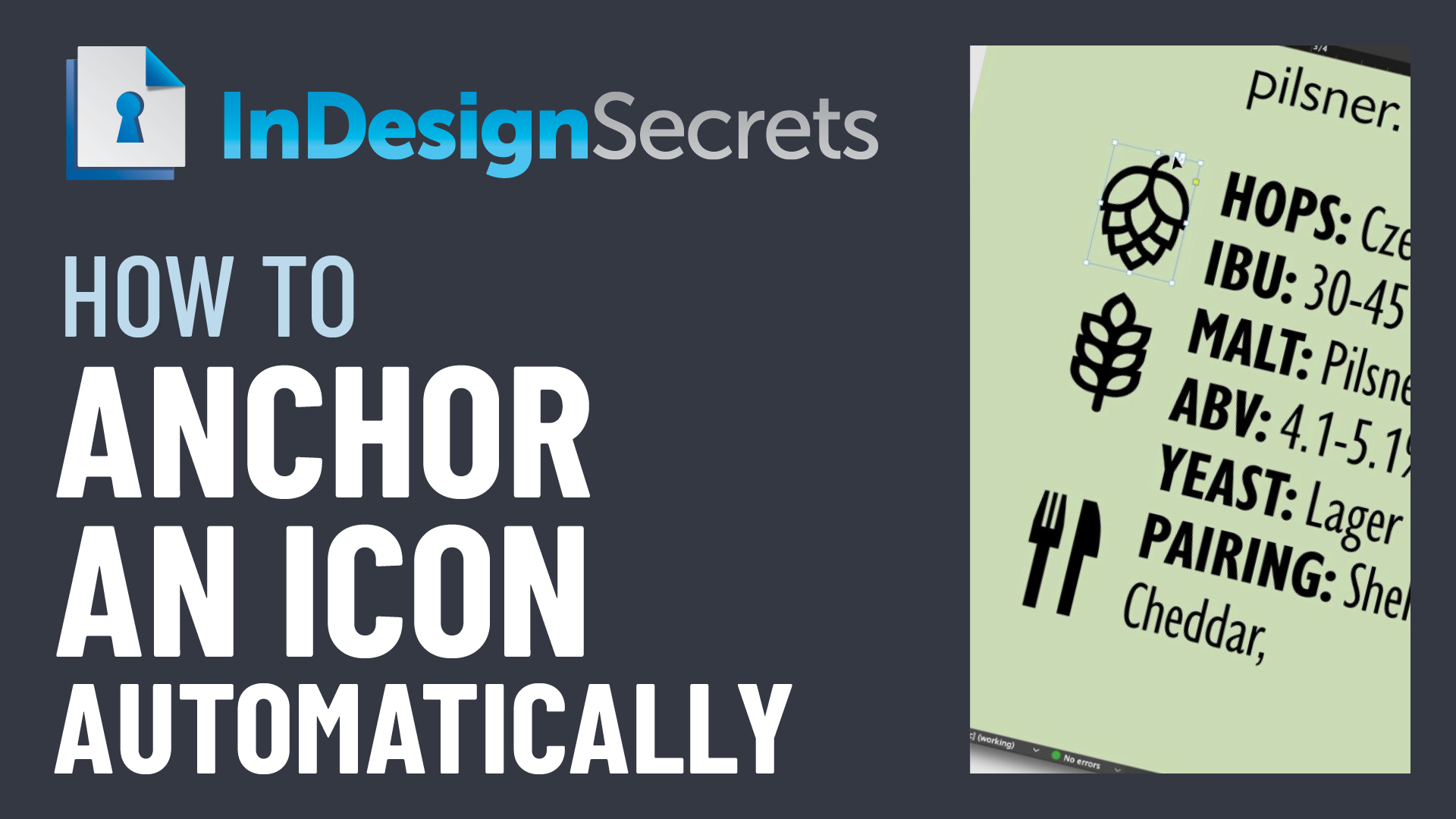
In this InDesign how-to video, Chad Chelius shows how to anchor an icon to a specific word any time it appears in a specific paragraph style. The “Three Minutes Max” tip uses and object style and a simple GREP expression in Find/Change to automate what would otherwise be a time-consuming task.
Check out new tutorials every other Tuesday on our InDesign Secrets YouTube channel, then join the discussion on our Facebook group!
This article was last modified on August 29, 2025
This article was first published on June 12, 2021
Commenting is easier and faster when you're logged in!

Recommended for you

Creating a “Fold Back” Effect for a Heading in InDesign
You’ve seen this effect, right? A rectangle that appears to bend or fold backwar...

InDesign Tip: Anchoring Graphics Between Paragraphs
To add a graphic separator between paragraphs, anchor the graphic as the first c...

CreativePro Week Sneak Peek: Anchoring Graphics to Text in InDesign
See how to set up graphics to travel along with text in InDesign and learn the d...