




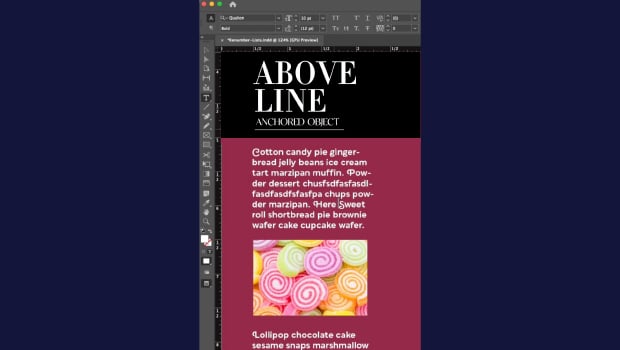
In this CreativePro Week sneak peek video, Laurie Ruhlin shows a couple of different methods for setting up graphics to travel along with text in an InDesign document. She explains the difference between anchored and inline graphics, demonstrates how to set each up, and provides practical examples.
This video is a sneak peek of Laurie’s CreativePro Week 2023 sessions. See the full agenda and register for the conference—both in-person in Phoenix, Arizona and online—at CreativeProWeek.com.
This article was last modified on August 29, 2025
This article was first published on March 13, 2023
Commenting is easier and faster when you're logged in!

Recommended for you

Editor’s Picks for The Design + Accessibility Summit 2026
Our Editor in Chief lists his must-see sessions for The Design + Accessibility S...
How to Make Graphics Flow with Text in InDesign
Khara Plicanic demonstrates how to add a graphic between paragraphs so it flows...