



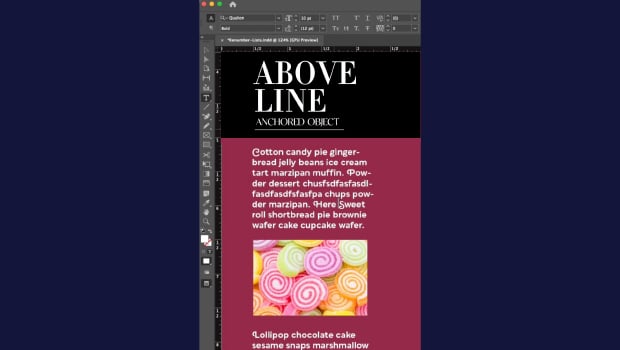
In this short InDesign how-to video, Khara Plicanic demonstrates how to anchor a graphic so it moves along with the text as it reflows. She shows that it’s as easy as dragging the anchored object node into the text and making a couple of quick adjustments.
Subscribe to the CreativePro YouTube channel for more helpful design tips!
This article was last modified on May 28, 2026
This article was first published on May 28, 2026
Commenting is easier and faster when you're logged in!

Recommended for you

Editor’s Picks for The Design + Accessibility Summit 2026
Our Editor in Chief lists his must-see sessions for The Design + Accessibility S...

How to Be a Better Designer: The Rules
Throughout this series, several themes have recurred: study graphic design histo...
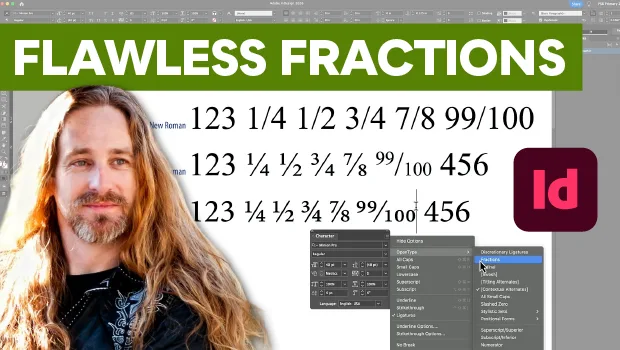
Create Flawless Fractions with OpenType
Choose your font carefully if you need flawless fractions!