Adobe has just posted an important update to InDesign CC. This should fix some of the performance problems that have been reported on user forums and elsewhere. It will update InDesign CC to version 9.1. (There is also an update for InCopy CC to version 9.1.)

InDesign CC 9.1 Splash Screen
If it doesn’t show up right away, quit out of Creative Cloud Desktop (choose Quit Creative Cloud from the flyout menu on the right) and relaunch it to force it to check for updates. You’ll first be asked to update the Creative Cloud Desktop application to a new version, then the update will be available.
It also installs the new Sync Settings feature already available in Illustrator CC and Photoshop CC. Note that this does NOT yet sync preference files. It syncs the settings listed in Preferences > Sync Settings, including workspaces, customized menus, glyphs, PDF presets and keyboard shortcuts.
Here are links to two InDesign CC Help docs for Sync Settings:
- https://helpx.adobe.com/indesign/using/sync-settings.html
- https://blogs.adobe.com/creativelayer/adobe-indesign-cc-update-sync-settings-between-computers/
And here is the link to the release notes for the update to version 9.1:
https://helpx.adobe.com/indesign/release-note/indesign-cc-9-1-0-release-notes.html
This article was last modified on December 30, 2021
This article was first published on August 22, 2013
Commenting is easier and faster when you're logged in!

Recommended for you
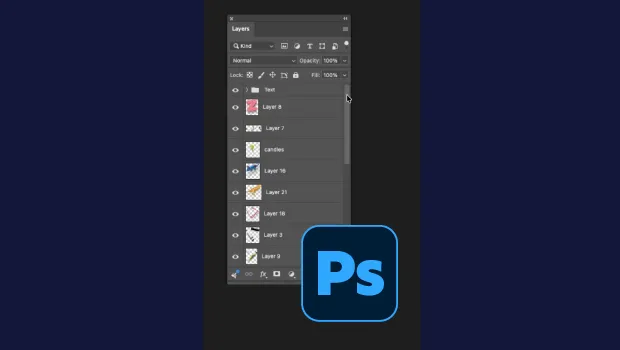
Smarter Thumbnails in Photoshop
Make Photoshop layer thumbnails clearer with one quick setting change.

What’s New in Photoshop 27.10
The August 2026 release brings a range of new tools and techniques—plus a comple...