




In this how-to video, Khara Plicanic wraps up her series on gradients by diving into those in Photoshop. Gradients here have come a long way and she shows how to use sample gradients, how easy it is to create and manipulate your own, and how all of it is now easily editable and non-destructive.
Subscribe to the CreativePro YouTube channel for more helpful design tips!
This article was last modified on August 29, 2025
This article was first published on July 29, 2024
Commenting is easier and faster when you're logged in!

Recommended for you

How to Be a Better Designer: Know Your Colors
To use color effectively, you have to be intentional, grasp the different color...

Q&A with Steve Laskevitch: Rocket Scientist, InDesign Guru, Pizza Snob
Q&A with Steve Laskevitch, who is presenting at The InDesign Conference 2025
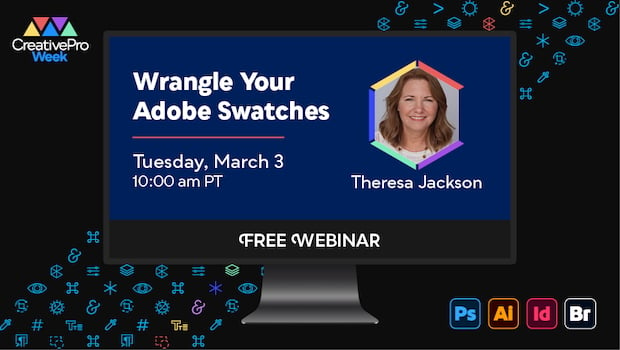
Free Webinar: Wrangle Your Adobe Swatches
Learn practical, time-saving ways to organize, share, and control color across A...