




In this CreativePro Week sneak peek, Chris Converse demos the new 3D Substance Viewer for Photoshop. This standalone app lets you save a 3D object as a Smart Object, then make adjustments to it in 3D space. Chris then shows how to adjust lighting, map artwork to the object, then send the adjusted object back to the Photoshop layout.
This video is a preview of one of Chris’ sessions at our upcoming CreativePro Week Conference. See the agenda and register now!
Subscribe to the CreativePro YouTube channel for more helpful design tips!
This article was last modified on August 29, 2025
This article was first published on February 13, 2025
Commenting is easier and faster when you're logged in!

Recommended for you
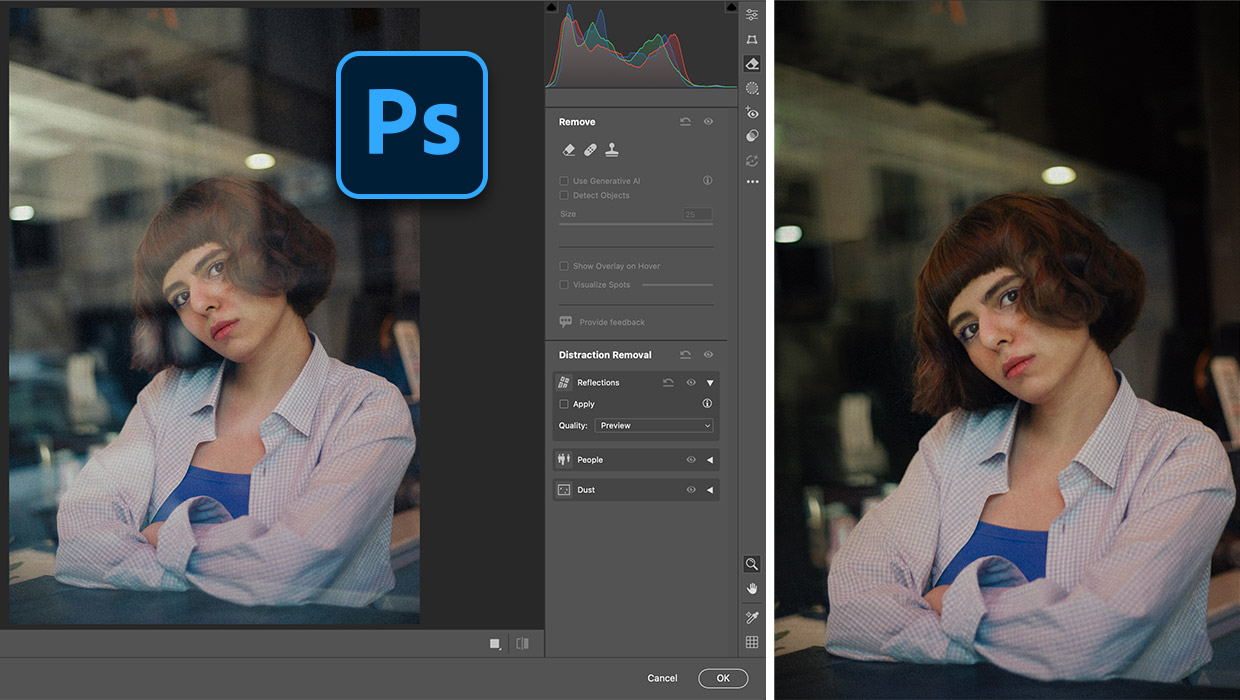
Fixing Photos with AI in Photoshop
Apply fast and creative solutions to common problems with the latest intelligent...

Layout Basics: Using Grids for Consistency
To create professional-level work with PageMaker, you need to do more than just...

Book Review: Pencil: Do More Art
A clear and concise guide to exploring the wider world of graphite possibilities...