



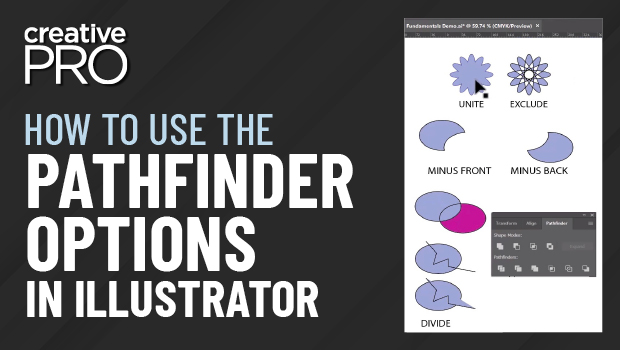
In this Illustrator video, Robin Schneider demonstrates what each function of the Pathfinder does. She shows what cool results you’ll get with Exclude, explains how to see the results of Divide, and shares a great tip for best results when using Divide on an open path. And in case you can’t remember what each function does, Robin assures us that even the experts sometimes resort to trial and error!
This video is an excerpt from Robin’s “Illustrator Fundamentals Refresh” session at CreativePro’s Adobe Illustrator Summit event in September 2022.
This article was last modified on August 29, 2025
This article was first published on October 6, 2022
Commenting is easier and faster when you're logged in!

Recommended for you

Making a 3D Rainbow in Illustrator
Explore the amazing things you can do with Illustrator’s 3D and Materials panel
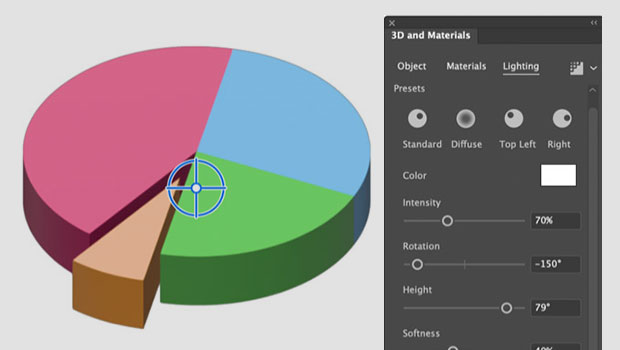
How to Create a 3D Pie Chart in Illustrator
Learn two methods for making 3D charts in Illustrator.

How to Adjust Image Scale and Crop in Illustrator
Learn some quick tricks for re-sizing and cropping images in Illustrator, includ...