



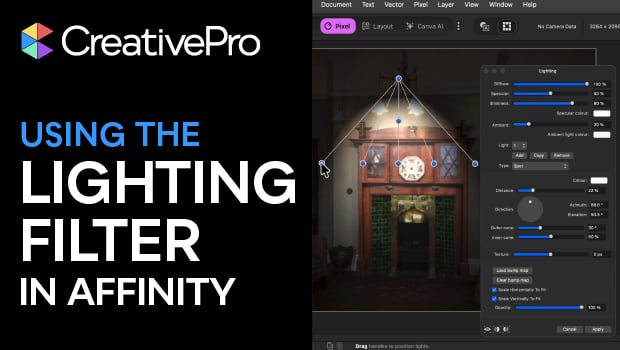
In this Affinity how-to video, Steve Caplin demonstrates how to use the Lighting filter to illuminate a scene. He shows how to manipulate the location, direction, and intensity of the light using the convenient handles. Finally, Steve explains how to apply these effects as a Live Filter Layer so that your lighting remains fully editable and non-destructive.
Subscribe to the CreativePro YouTube channel for more helpful design tips!
This article was last modified on April 17, 2026
This article was first published on April 17, 2026
Commenting is easier and faster when you're logged in!

Recommended for you

InReview: Zevrix Output Factory 2
A high-end solution for automating the printing and exporting of your InDesign f...

Five Typesetting Mysteries Solved
Consult this list of "usual suspects" the next time type starts acting weird in...

Replacing PDF Pages With Adobe Acrobat
In publishing as in life, little things can sometimes make a big difference. For...