



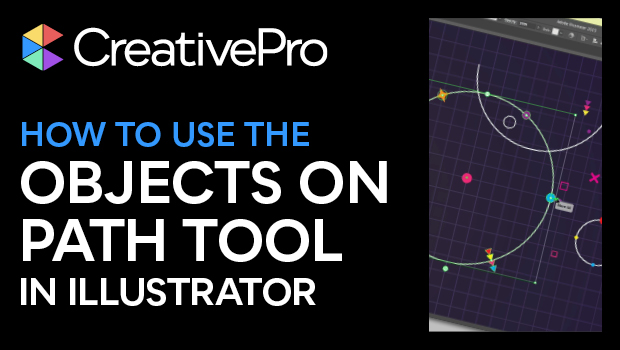
In this Illustrator how-to video, Khara Plicanic takes a look at the new Object on Path tool. This clever helper gives you the power to put items along a path without having to utilize math—like in the past! She shows how to add and remove items from the path, move where the items sit, and how to distribute those items as needed. Putting items along an Illustrator path has never been so easy!
Subscribe to the CreativePro YouTube channel for more helpful design tips!
This article was last modified on August 29, 2025
This article was first published on December 10, 2024
Commenting is easier and faster when you're logged in!

Recommended for you

CreativePro Week 2026 Preview: 5 Indispensable InDesign Sessions
Five sessions InDesign users can't afford to miss
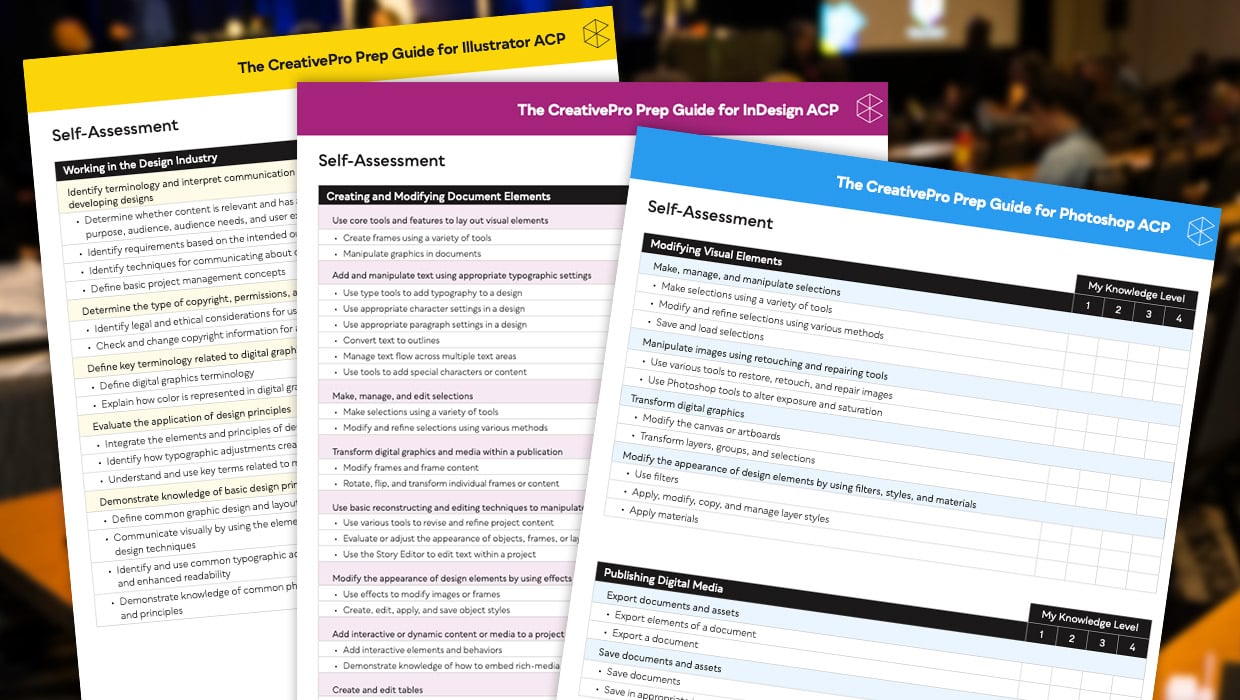
Adobe Certified Professional Exam Prep Guides
Use these self-assessment guides to determine what you should study to pass the...
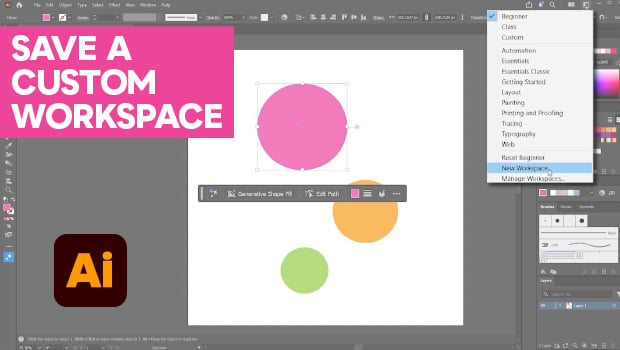
How to Make Illustrator More User Friendly
Set up your own custom workspace with Kat Kremser.