



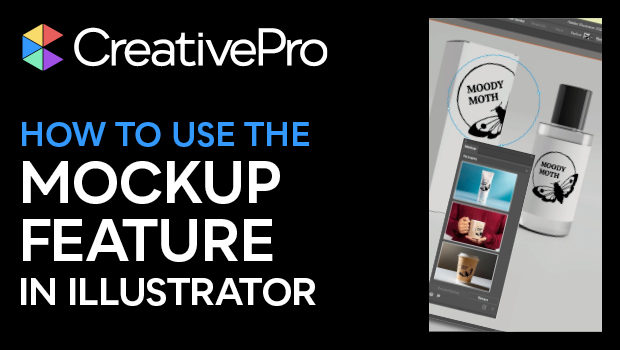
In this Illustrator how-to video, Khara Plicanic takes a look at the new Mockup feature. This addition to Illustrator lets you take your vector artwork and easily map it to a photo of an object—such as merchandise you want to adorn with your logo—with it automatically interacting with the object in 3D space. Khara then shows you how to save a mockup to be used again with other vector art.
Subscribe to the CreativePro YouTube channel for more helpful design tips!
This article was last modified on August 29, 2025
This article was first published on January 14, 2025
Commenting is easier and faster when you're logged in!

Recommended for you

Quick Wins: Design Tips
Use these five simple tips from the Before & After magazine collection to boost...
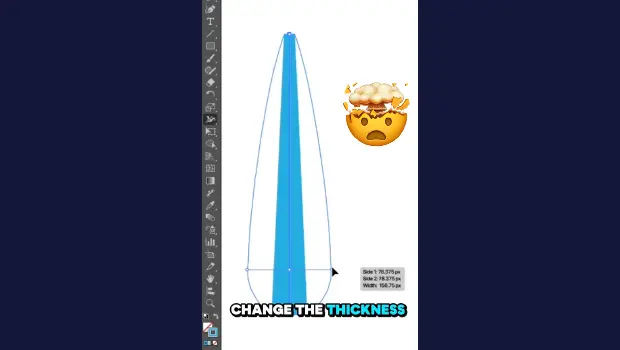
Create Variable-Width Strokes in Illustrator
Create a flowing, multi-thickness stroke in Illustrator with the Width tool!
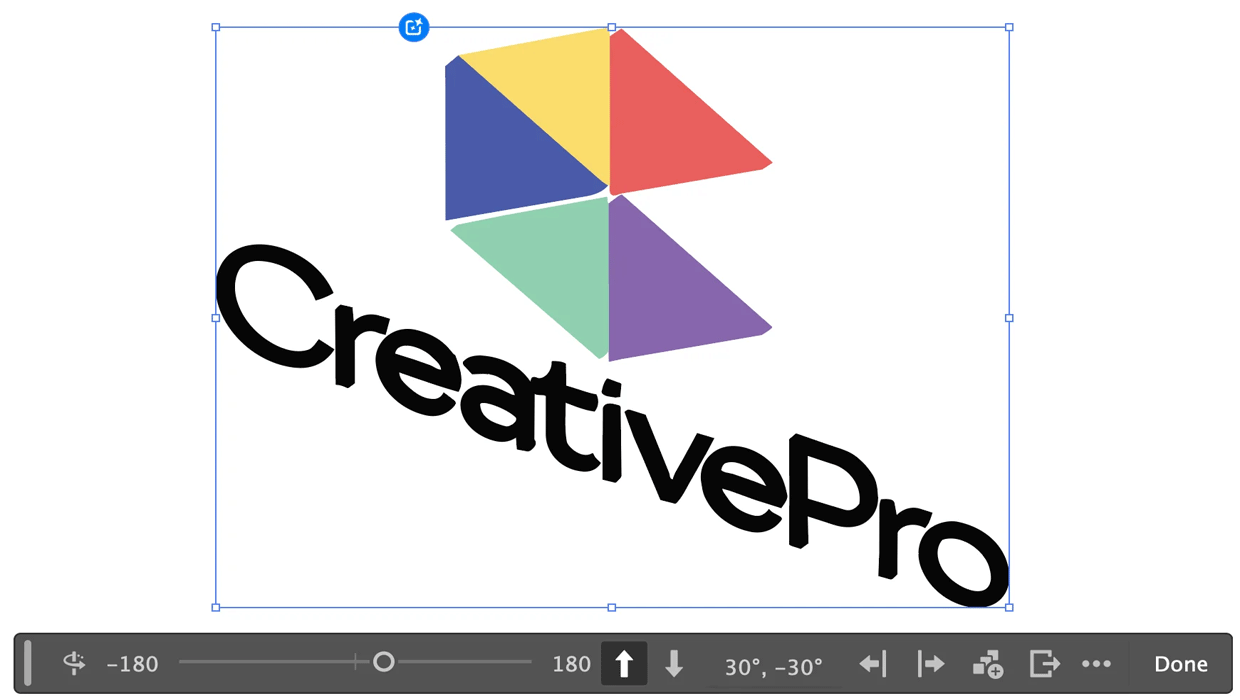
Rotating Objects in Illustrator Using Turntable
Generate vector objects from a variety of angles with the help of AI