




In this Photoshop how-to video, Khara Plicanic demonstrates how to speed up the process of using generative fill, with the use of Photoshop actions. This particular set of actions by Rob de Winter—a free download for CreativePro members—can be deployed to quickly create different artistic looks. Khara shows how easy it is to take a photo and create watercolor, oil painting, and other artistic variations quickly.
If you are a CreativePro member, you can download the actions from the Resources menu above, and choose Downloadables.
Subscribe to the CreativePro YouTube channel for more helpful design tips!
This article was last modified on August 29, 2025
This article was first published on June 19, 2024
Commenting is easier and faster when you're logged in!

Recommended for you

Using Photoshop’s Generative Fill to Remove Objects
Learn how to simply remove items from an image in Photoshop, without extra conte...
Batch Processing Images with AI-Powered Actions in Photoshop
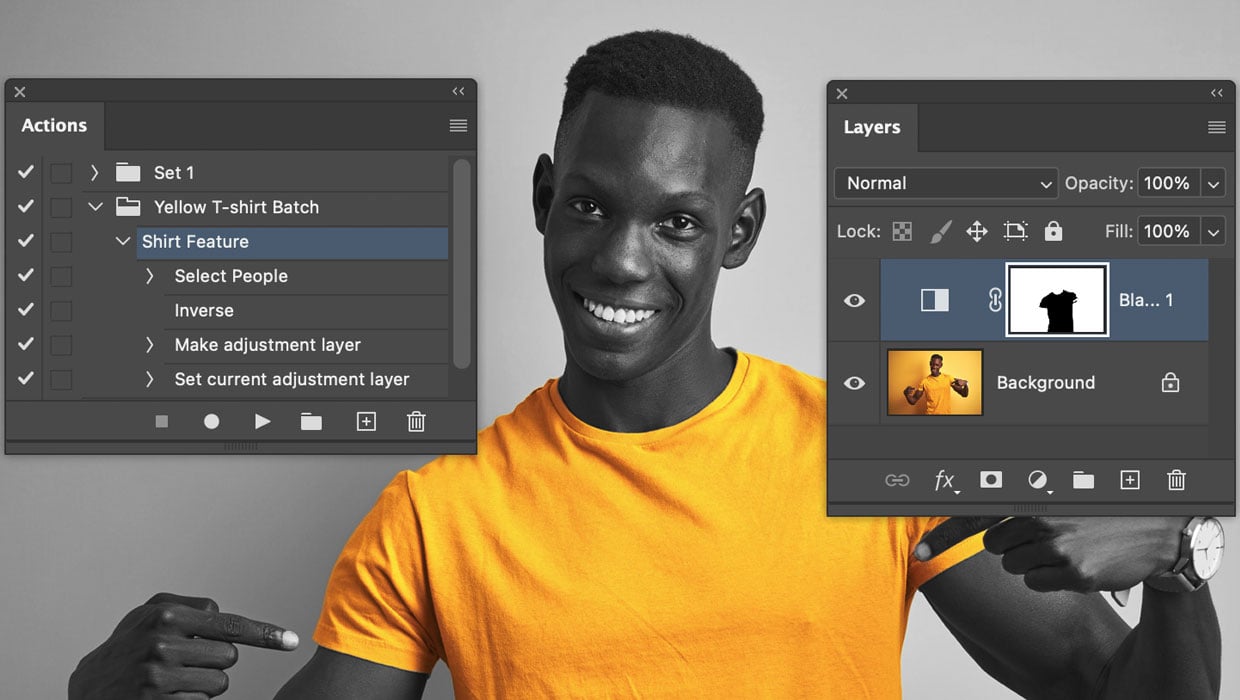
Here’s how to automate edits in Photoshop by combining the Object Selectio...
Generating Image Content with Reference Objects in Photoshop
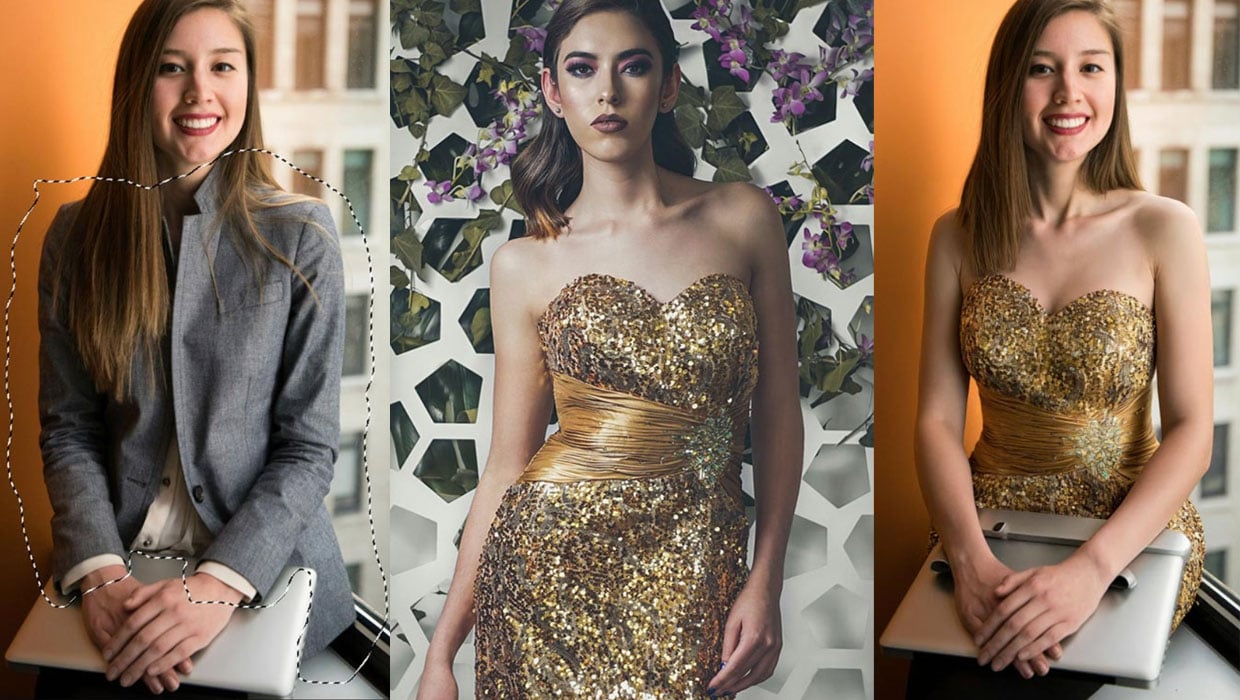
Learn how to replace individual elements within an image using reference objects...