


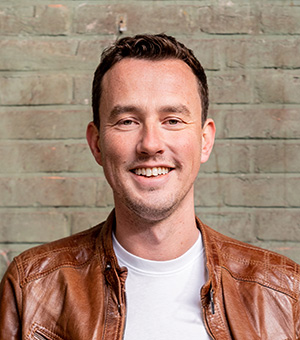
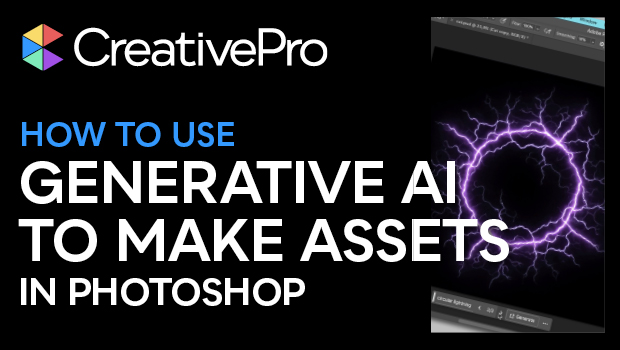
In this Design + AI Summit sneak peek video, Rob De Winter shows that generative AI in Photoshop can be used beyond just cleverly filling in backgrounds. He shows how easy it is to create a framework that can be built on using its built-in AI capabilities. Rob quickly draws out a rough idea then lets Photoshop’s generative fill do the heavy lifting to create a standalone, reusable graphic.
This sneak peek video is a preview of our upcoming Design + AI Summit happening online December 7–8, 2023. See the agenda and register now!
Subscribe to the CreativePro YouTube channel for more helpful design tips!
This article was last modified on August 29, 2025
This article was first published on November 6, 2023
Commenting is easier and faster when you're logged in!

Recommended for you

Interview with Monika Gause, Print Designer and Illustrator Expert
Q&A with Monika Gause, who is presenting at the 2026 Design + AI Summit for Crea...
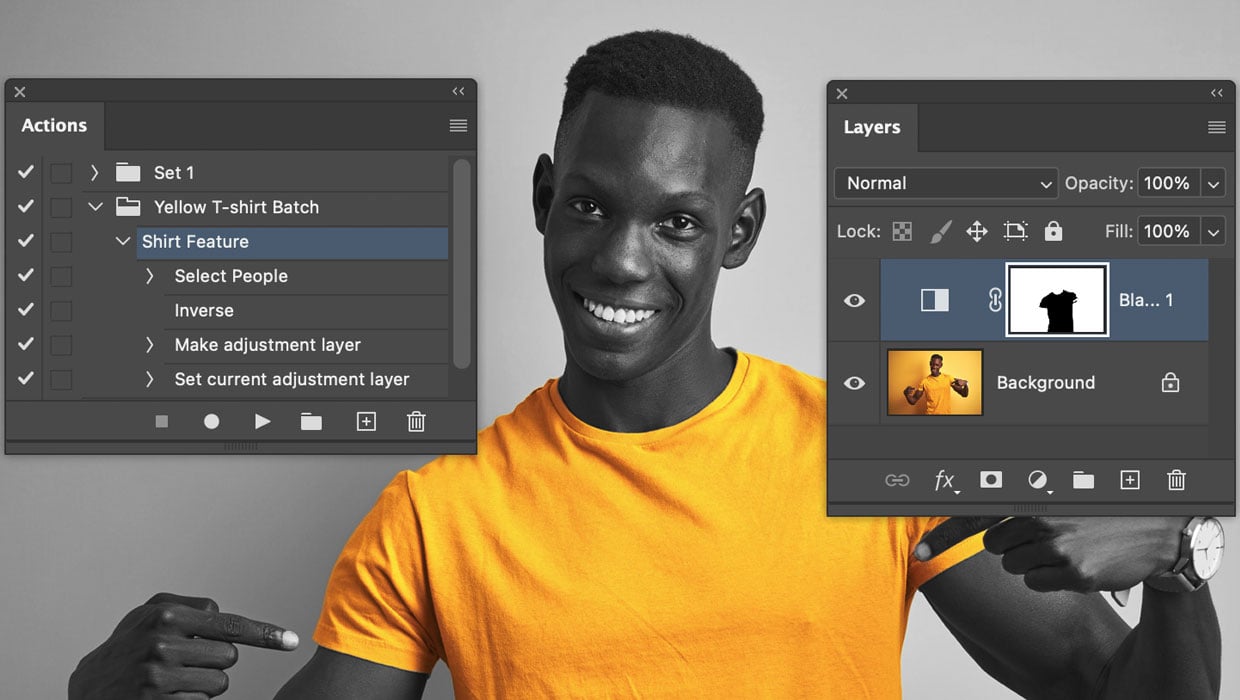
Batch Processing Images with AI-Powered Actions in Photoshop
Here’s how to automate edits in Photoshop by combining the Object Selectio...
Work Week Projects: Get Get a Grip on Photoshop’s AI Tools
Five quick exercises to do while you're at work to get comfortable using the gen...