



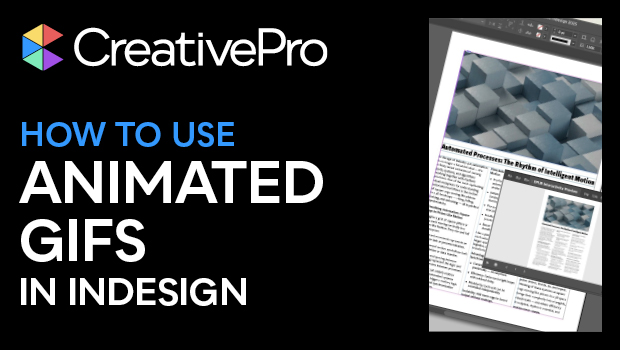
In this InDesign how-to video, Myra Ferguson demonstrates several ways to work with animated gifs in your documents. She walks through how to use Adobe Express to turn your video into a gif, how to place it into your InDesign file, and how to ensure it will play in your final document. Myra finishes up with a work-around for how to get animation into your interactive PDF exports.
Subscribe to the CreativePro YouTube channel for more helpful design tips!
This article was last modified on August 29, 2025
This article was first published on August 5, 2025
Commenting is easier and faster when you're logged in!

Recommended for you

Create an Animated Button Outline in PowerPoint
Create a looping rainbow animation in PowerPoint with Stephy Hogan!
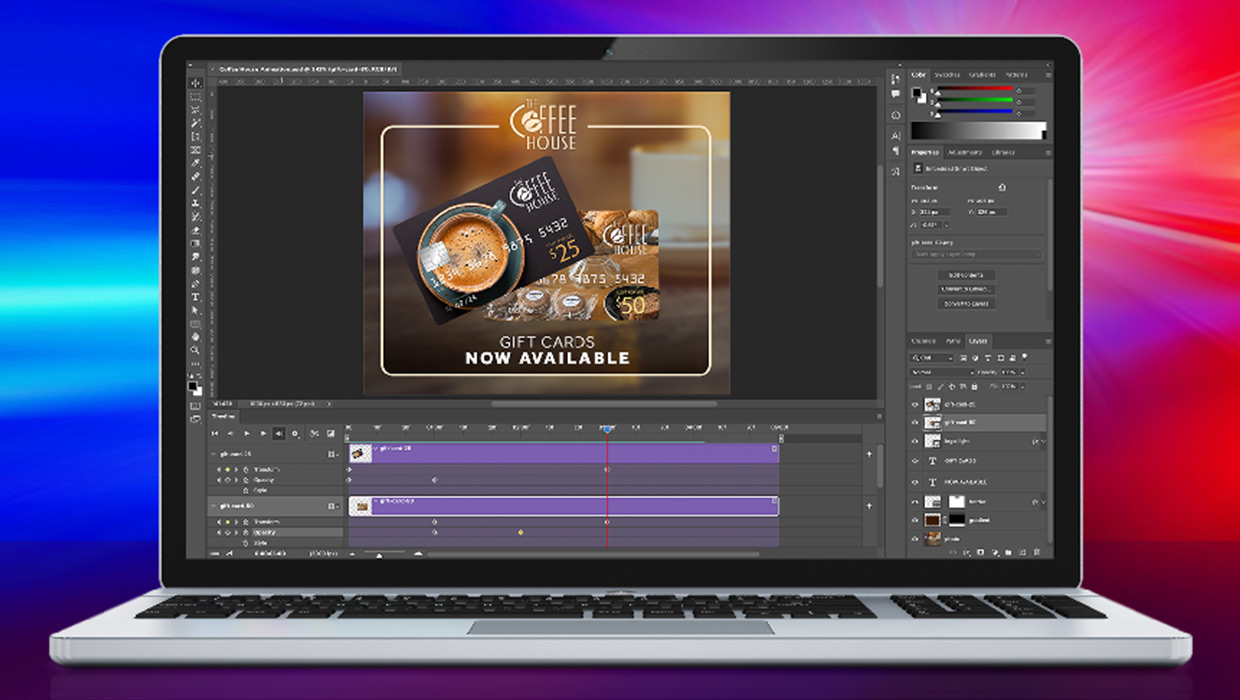
Compositing Video in Photoshop
Tips for using masks, blend modes, filters, and more with video in Photoshop.
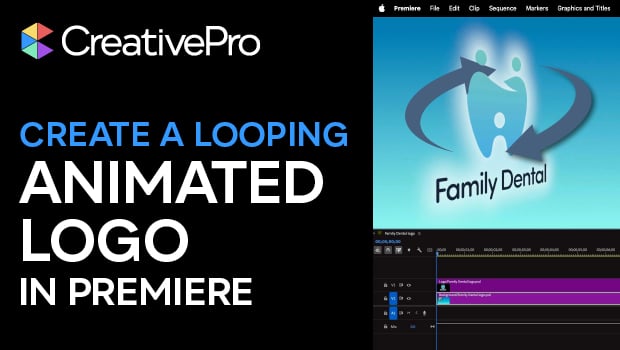
Create an Animated Looping Logo in Premiere
This looping animated logo tutorial from Myra Ferguson is perfect for Premiere b...