




Tired of having InDesign insist that your document starts on a right-hand page? In this short video, Khara Plicanic shows you how to tell it to start your document on the left, instead.
Subscribe to the CreativePro YouTube channel for more helpful design tips!
This article was last modified on December 5, 2025
This article was first published on November 24, 2025
Commenting is easier and faster when you're logged in!

Recommended for you

Rotate Multiple Spreads
If you have many spreads to rotate, even the more easily accessible menu command...
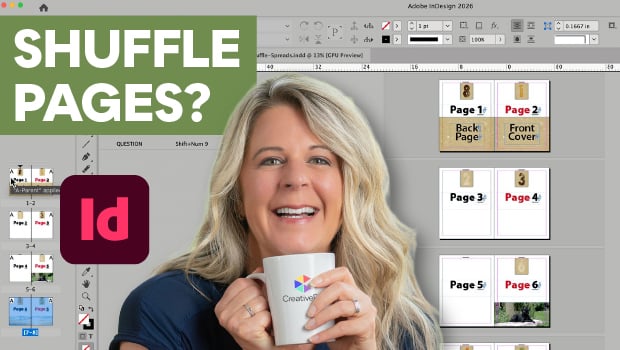
Stop InDesign from Shuffling Pages
Stop InDesign from shuffling your pages with Laurie Ruhlin.
Go to the Parent Spread Applied to the Active Spread
To access the parent spread applied to the active page, you have to open the Pag...