




In this how-to video, Khara Plicanic shows how using Bridge allows you to search across your documents in a smarter way. Not only can you search by file name, but Bridge allows you to narrow the scope to specific locations. You can even search by contents within a document, such as finding an InDesign file by searching an image linked within it.
Subscribe to the CreativePro YouTube channel for more helpful design tips!
This article was last modified on October 17, 2025
This article was first published on October 17, 2025
Commenting is easier and faster when you're logged in!

Recommended for you
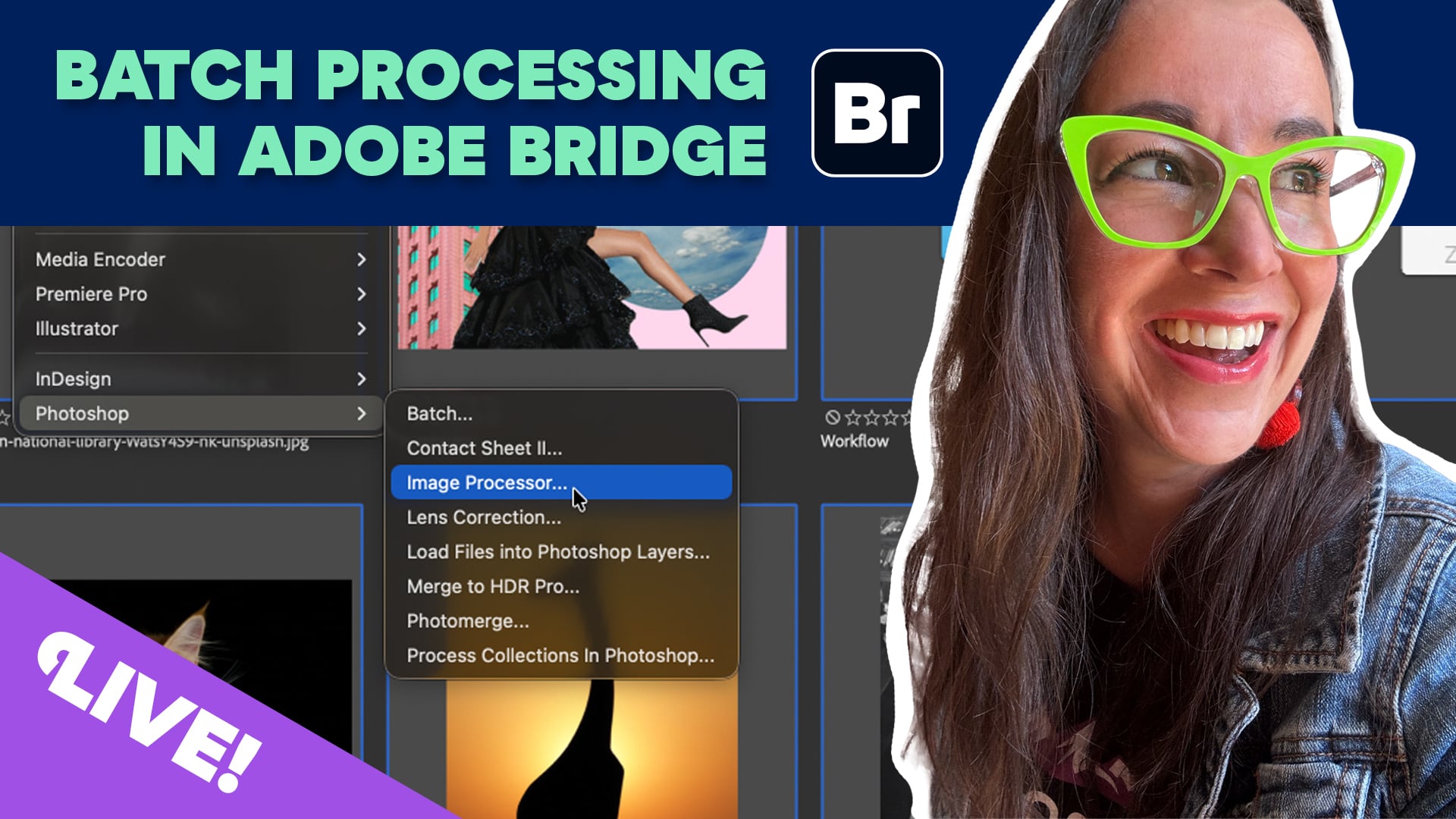
Livestream Video: Batch Processing Photos in Adobe Bridge
If you're not using Bridge—you should be! Learn how to use its powerful processi...
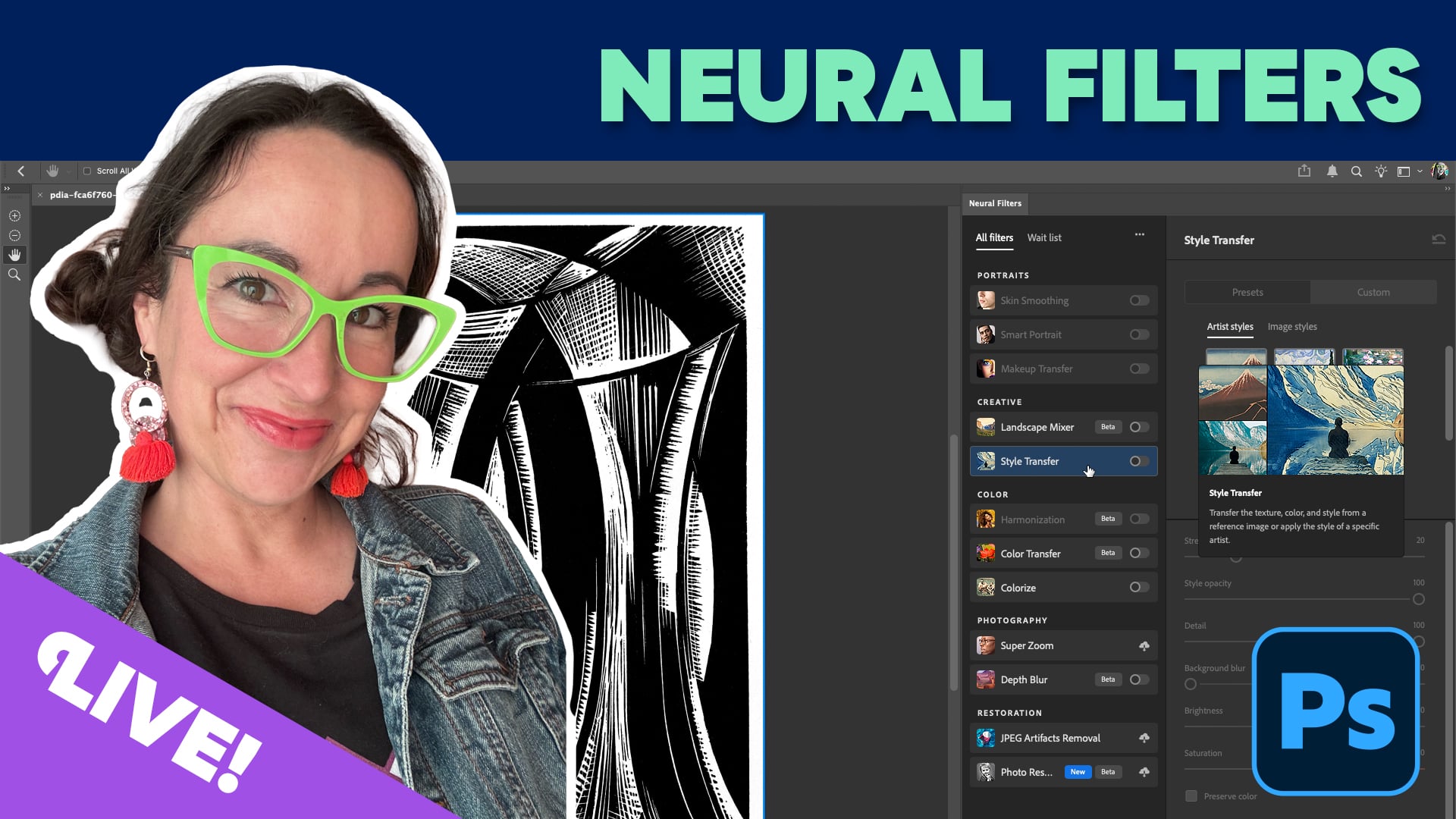
Livestream Video: Using Neural Filters for Rapid Photo Retouching
Photoshop's neural filters are yet another way to level up your Photoshop game....

Livestream Video: The One Tool Every Creative Needs
Watch host Khara Plicanic show how to simplify your workflow with Adobe Bridge.