



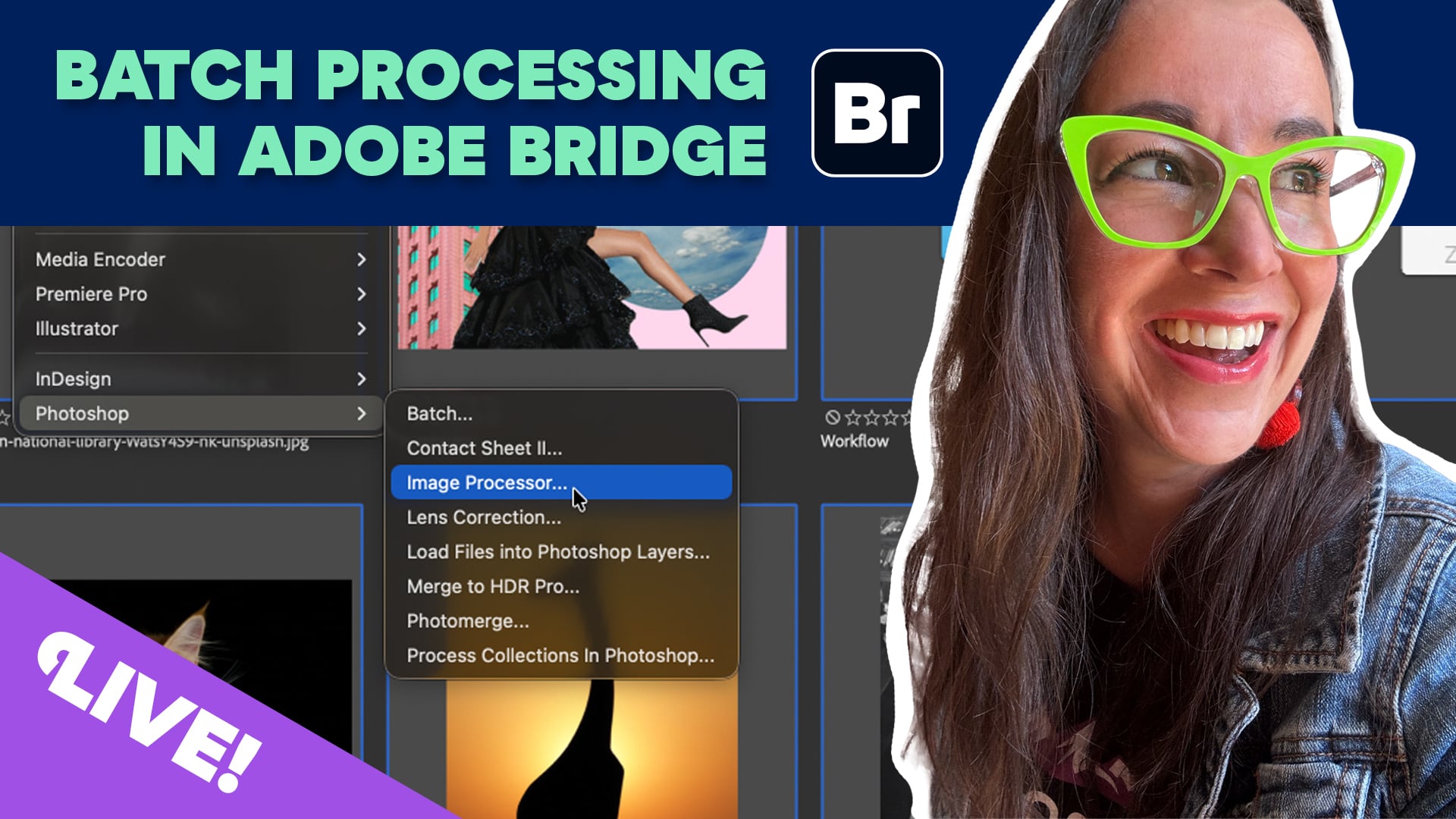
Adobe Bridge is a serious powerhouse—if you know how to leverage it. Plus, it’s entirely FREE. This month, upgrade your workflow and join Khara Plicanic to learn how to batch edit with Bridge.
This CreativePro Livestream event takes place on Thursday, July 30, 2026.
Subscribe to the CreativePro YouTube channel for more helpful design tips!
This article was last modified on July 12, 2026
This article was first published on July 12, 2026
Commenting is easier and faster when you're logged in!

Recommended for you
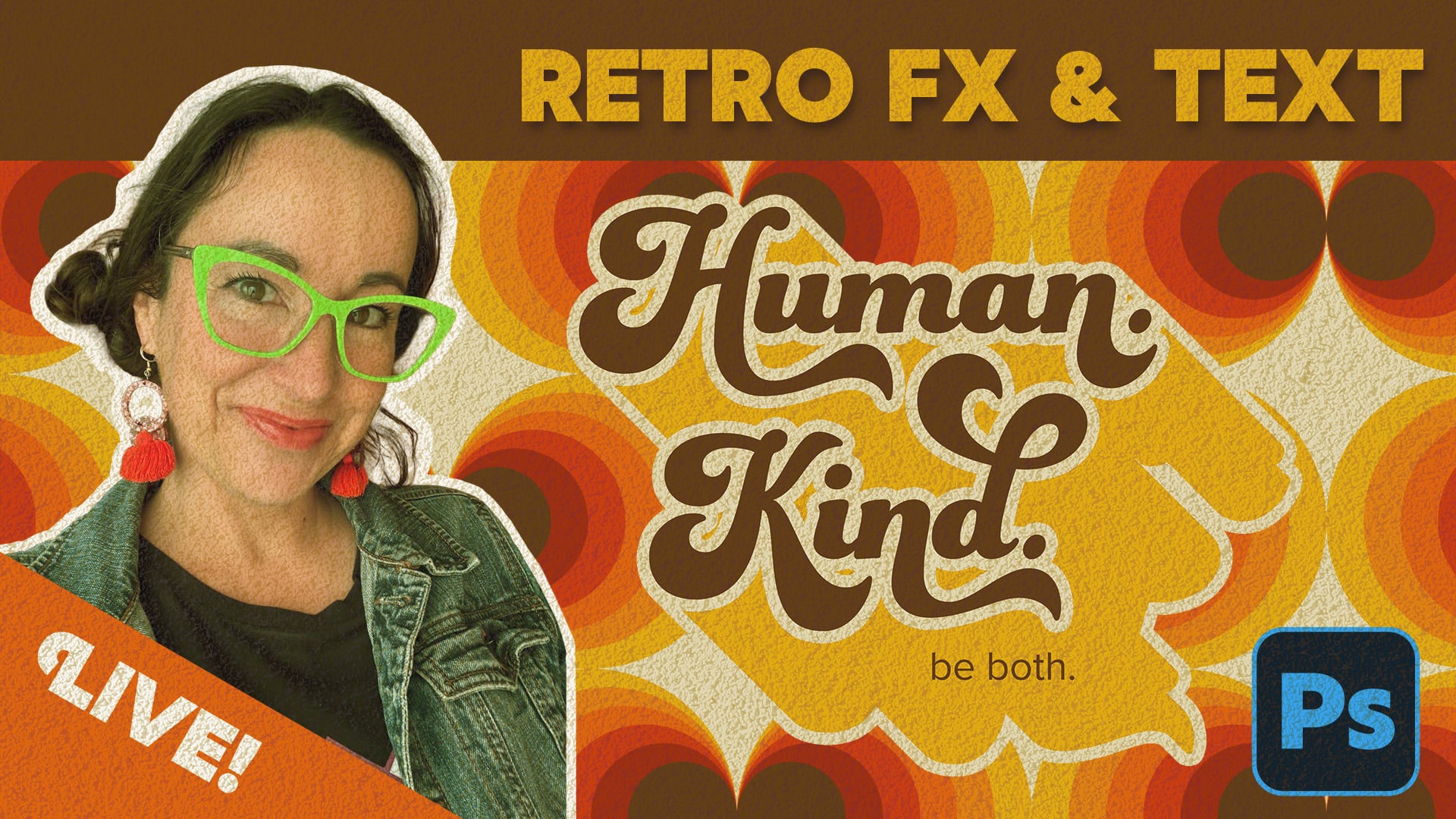
Livestream Video: Creating Retro Looks & Type Treatments in Photoshop
Making new things look old is always a fun challenge!

Livestream Video: How to Use Masking in Photoshop
Watch Khara Plicanic show some great tips and tricks for working with masks in P...
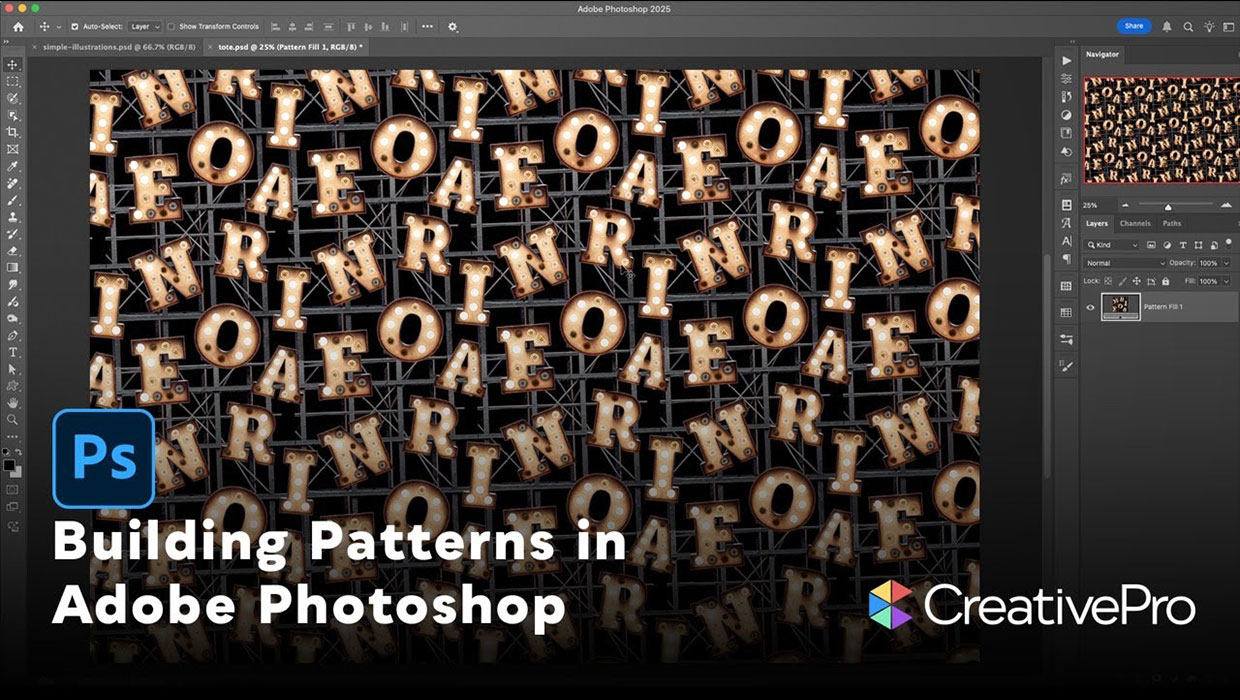
Livestream Video: Building Patterns in Adobe Photoshop
Join Khara Plicanic to learn how to build amazing patterns in Adobe Photoshop.