



In this Photoshop how-to video, Khara Plicanic shows how to quickly clean up the Layers panel by getting rid of all hidden layers with just one click. Not only does it clear out the clutter that makes it difficult to find what you need, but it also can reduce the file size significantly.
Subscribe to the CreativePro YouTube channel for more helpful design tips!
This article was last modified on August 29, 2025
This article was first published on December 20, 2024
Commenting is easier and faster when you're logged in!

Recommended for you

How to Make Layer Comps in Photoshop
Learn how to create combinations of layers and items in Photoshop called Layer C...
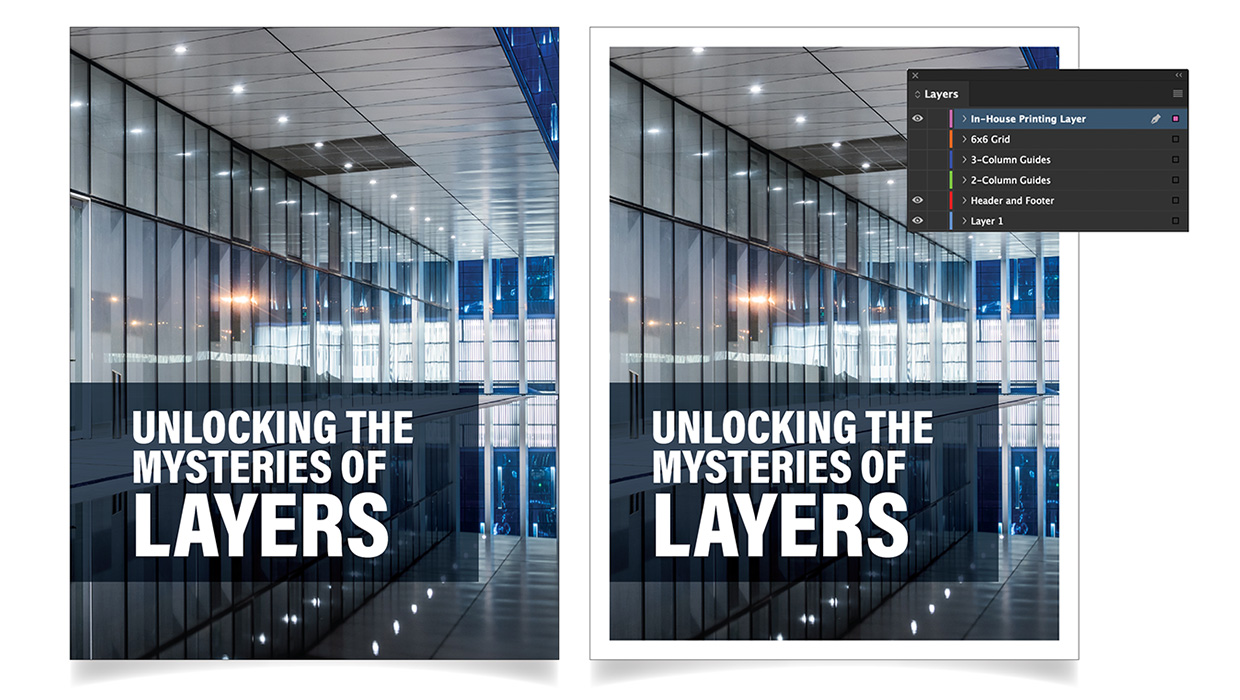
Using Layers in InDesign
Use layers in InDesign to unlock creative and time-saving ways to improve your d...
Livestream Video: Photoshop Layers Tips & Tricks
Join Khara Plicanic to learn some great tips and tricks for working with layers...