



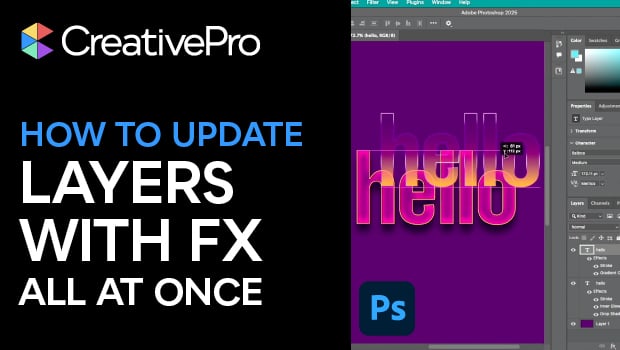
In this Photoshop how-to video, Bart Van de Wiele reveals a smarter way to manage complex layered designs. He demonstrates placing the base text from a separate source file then adding effects on top. When the source file is edited, every linked instance updates automatically with all effects intact. It’s an efficient, time-saving technique that keeps your compositions flexible and fully editable.
Subscribe to the CreativePro YouTube channel for more helpful design tips!
This article was last modified on November 7, 2025
This article was first published on November 8, 2025
Commenting is easier and faster when you're logged in!

Recommended for you

How to Customize the Quick Access Toolbar in PowerPoint
Ready to crank up your PowerPoint efficiency to 11? Customize the Quick Access T...

How to Make Two Items Swap Positions in InDesign
Learn how to transpose two objects in InDesign so they swap positions on a sprea...

How to Find and Delete Production Notes in an InDesign Layout
Learn how to use InDesign’s Preflight feature to quickly find and flag productio...