



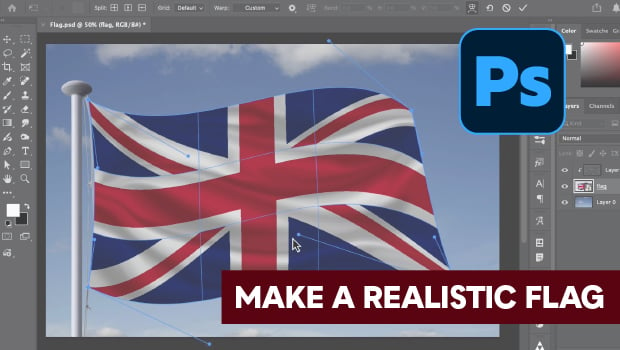
In this Photoshop how-to video, Steve Caplin demonstrates how to create a realistic rippling flag effect using custom Warp tools. Once he’s created the rippling flag shape, he adds depth with the Dodge, Burn, and Smudge tools. Finally, Steve shows how starting with a Smart Object allows you to easily swap in a different flag while maintaining all your custom distortions and shading.
Subscribe to the CreativePro YouTube channel for more helpful design tips!
This article was last modified on May 26, 2026
This article was first published on May 26, 2026
Commenting is easier and faster when you're logged in!

Recommended for you


Using Smart Objects in Photoshop
Learn how using Smart Objects is the key to working nondestructively in Photosho...
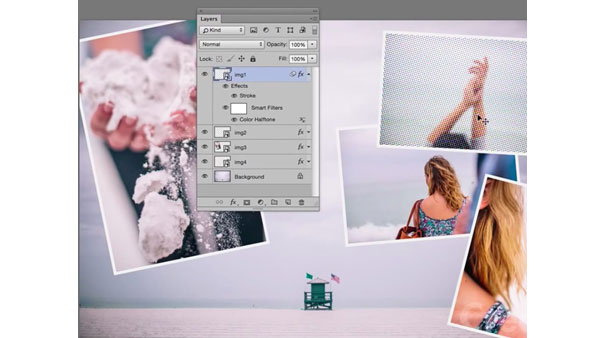
Mastering Photoshop Smart Objects: Applying and Editing Layer Filters
In the previous installment of our video series on mastering Smart Objects in Ph...