



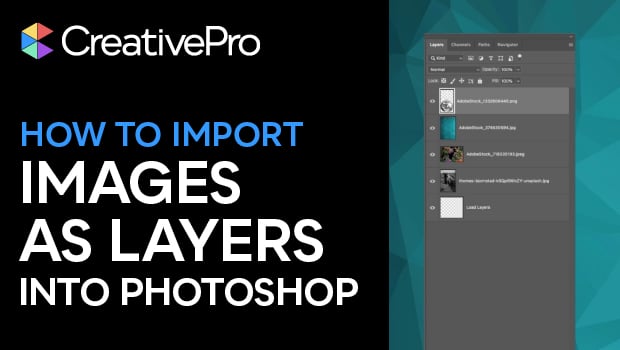
In this quick video, Khara Plicanic shows how to bring multiple image files into a single Photoshop document. Using a built-in script, each image becomes a separate layer within that Photoshop file.
Subscribe to the CreativePro YouTube channel for more helpful design tips!
This article was last modified on December 31, 2025
This article was first published on December 31, 2025
Commenting is easier and faster when you're logged in!

Recommended for you

New Contest! The Case of the Imperfect Paste
Solve this InDesign mystery for a chance at winning a great prize.
Livestream Video: Photoshop Layers Tips & Tricks
Join Khara Plicanic to learn some great tips and tricks for working with layers...

A Closer Look at Obscure Features
Blink and you might miss these 20 obscure InDesign features worth knowing