




In this Acrobat how-to video, Mike Rankin shows two tips for quickly identifying a specific font used in a PDF—or all of them. He first demos how to get a general overview of all fonts used throughout the document. Mike then shows another approach, which allows you to click to identify each specific font.
Subscribe to the CreativePro YouTube channel for more helpful design tips!
This article was last modified on August 29, 2025
This article was first published on February 18, 2025
Commenting is easier and faster when you're logged in!

Recommended for you


How to Find Fonts With Specific OpenType Features on Adobe Fonts
The thousands of fonts on Adobe Fonts (formerly known as Typekit) are...
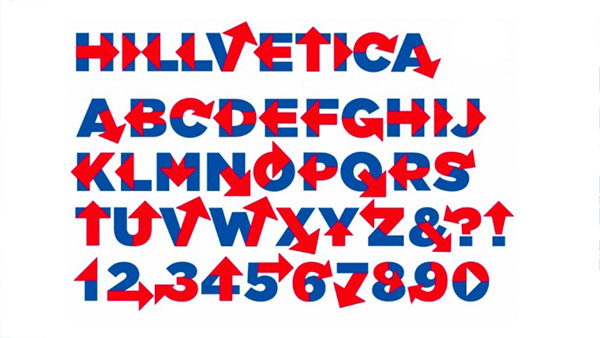
Hail to the Glyph: Hillvetica is a Typeface with Presidential Ambitions
Hillary Clinton’s announcement that she was officially running for Preside...