



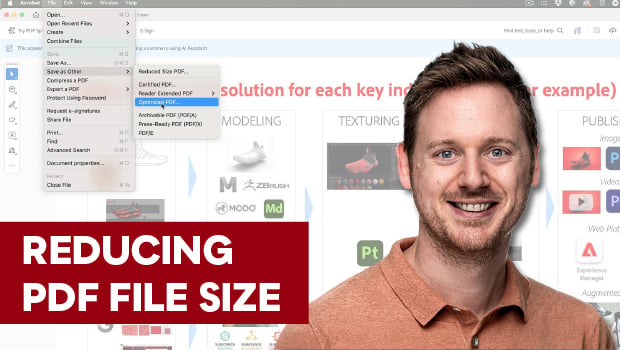
In this Acrobat how-to video, Bart Van de Wiele explains how to optimize the size of your PDF documents without visibly degrading the quality of your images. He shows where to find the Audit Space Usage button, which tells you which category of data is taking up the most storage space. With that information, he demonstrates how you can use the standard optimization, your own custom optimization, or the Compress PDF option to dramatically reduce your file size.
Subscribe to the CreativePro YouTube channel for more helpful design tips!
This article was last modified on July 15, 2026
This article was first published on May 12, 2026
Commenting is easier and faster when you're logged in!

Recommended for you
How to Convert Fonts to Outlines in a PDF
If you need to provide a PDF with fonts converted to outlines to your print serv...

Preflighting in InDesign and Adobe Acrobat
Creating documents that print smoothly and that look as good in print as they do...

How to Extract a Table from a PDF in Acrobat
Get your data out of a PDF and into an Excel Workbook with this quick Acrobat tr...