



In this video, Nicte Cuevas shows some of the powerful AI features in Adobe Express and how to get the most out of them. From image generation to creating effects on type, she shows how to work with prompts and how to get back to that information, even later in the design process. Nicte also shows an Adobe Express beta feature for creating templates using AI.
This excerpt was taken from Nicte’s “Taking Your Company’s Social Media to the Next Level with AI” session at CreativePro’s Design + AI Summit.
See our full calendar of upcoming events and sign up today!
Subscribe to the CreativePro YouTube channel for more helpful design tips!
This article was last modified on August 29, 2025
This article was first published on February 16, 2024
Commenting is easier and faster when you're logged in!

Recommended for you
How to Speed Up Your Social Media Workflow with These AI Tools
Learn how to take advantage of the current—and ever-evolving—AI tools to speed u...
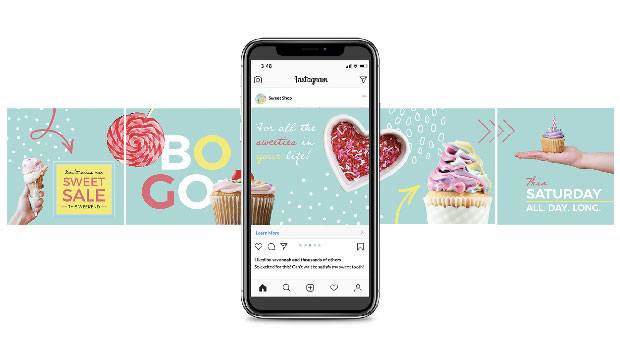
Creating Social Media Assets with InDesign
How to speed up, streamline, and simplify social content creation with your favo...

Social Media Guide For Graphic Designers
As Creative Professionals we can’t ignore the value of Social Media and wh...