



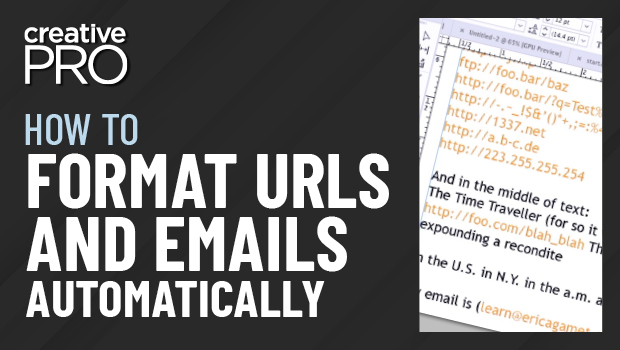
In this InDesign video, Erica Gamet shows how to find and format emails and URLs in a document. Using a GREP expression in the Find/Change dialog box to find the text, she strikes a balance between finding everything she needs to format, without grabbing text she doesn’t.
This video is an excerpt from Erica’s “Awesome GREP Tips and Tricks” session at CreativePro Week 2022.
This article was last modified on August 29, 2025
This article was first published on November 10, 2022
Commenting is easier and faster when you're logged in!

Recommended for you

The Case of the Absent Adornment Contest Answer and Winner
Solve this InDesign mystery for a chance at winning a great prize.

Copy and Paste Text Formatting with the Eyedropper Tool
Here’s a quick tip for those times when you’re experimenting with different comb...

InDesign How-to Video: Make a Custom Line That Moves Along With Text
In this week’s InDesignSecrets video, Erica Gamet shows how to create a custom l...