



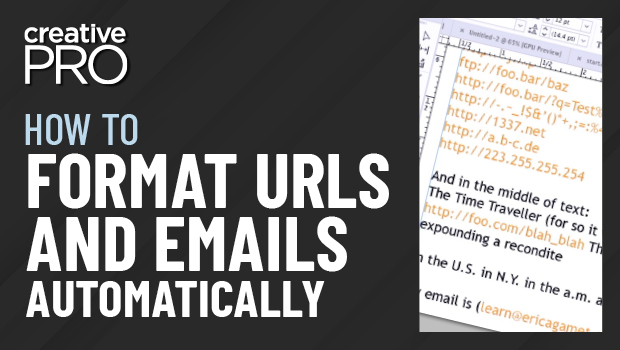
In this InDesign video, Erica Gamet shows how to find and format emails and URLs in a document. Using a GREP expression in the Find/Change dialog box to find the text, she strikes a balance between finding everything she needs to format, without grabbing text she doesn’t.
This video is an excerpt from Erica’s “Awesome GREP Tips and Tricks” session at CreativePro Week 2022.
This article was last modified on August 29, 2025
This article was first published on November 10, 2022
Commenting is easier and faster when you're logged in!

Recommended for you
Free Script to Rotate Selected Characters
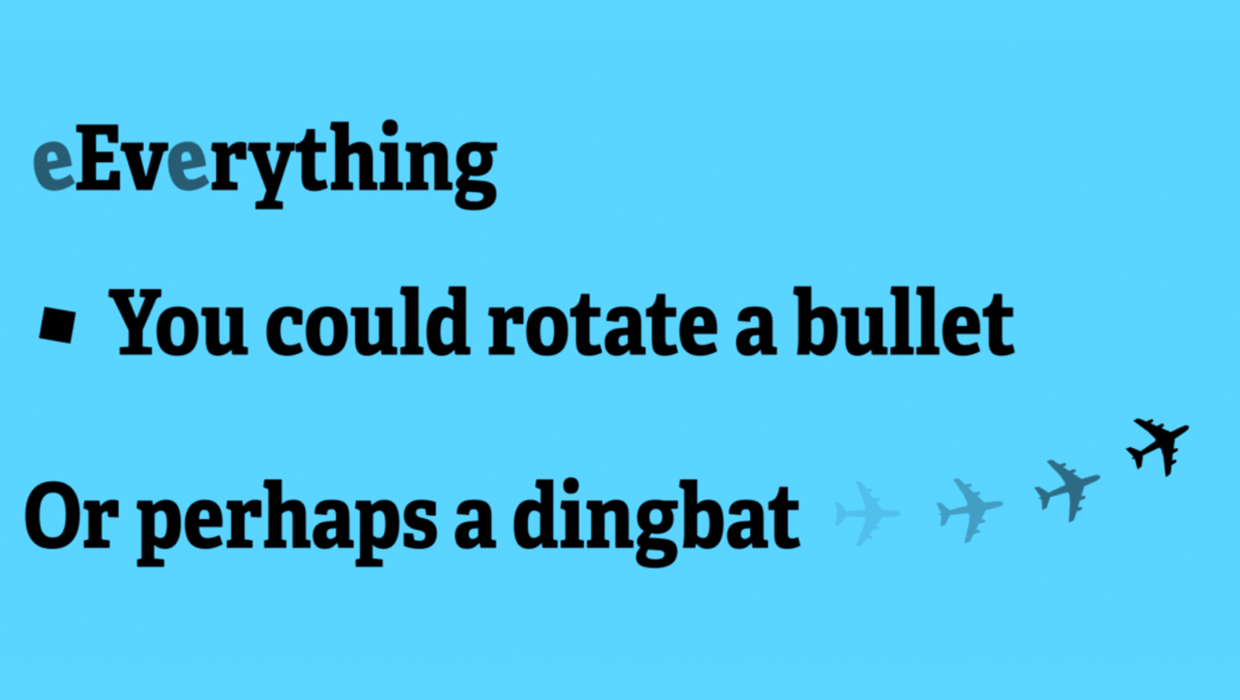
InDesign allows you to rotate text characters if you convert them to outlines. B...

Filling Type Counters With Colors and Photos
If you spend any amount of time designing with type, you’ve heard the term...

Tip of the Week: Fancier Paragraph Rules
This InDesign tip was sent to Tip of the Week email subscribers on March 21, 201...