




In this week’s InDesignSecrets video, Erica Gamet shows how to create a custom line that travels along with text in InDesign. Whether you want a simple underline, a colored box for your headline to sit in, or even a banner with rounded ends, the secret is to use paragraph rules.
Check out new tutorials every other Tuesday on our InDesign Secrets YouTube channel, then join the discussion on our Facebook group!
This article was last modified on August 29, 2025
This article was first published on May 19, 2020
Commenting is easier and faster when you're logged in!

Recommended for you
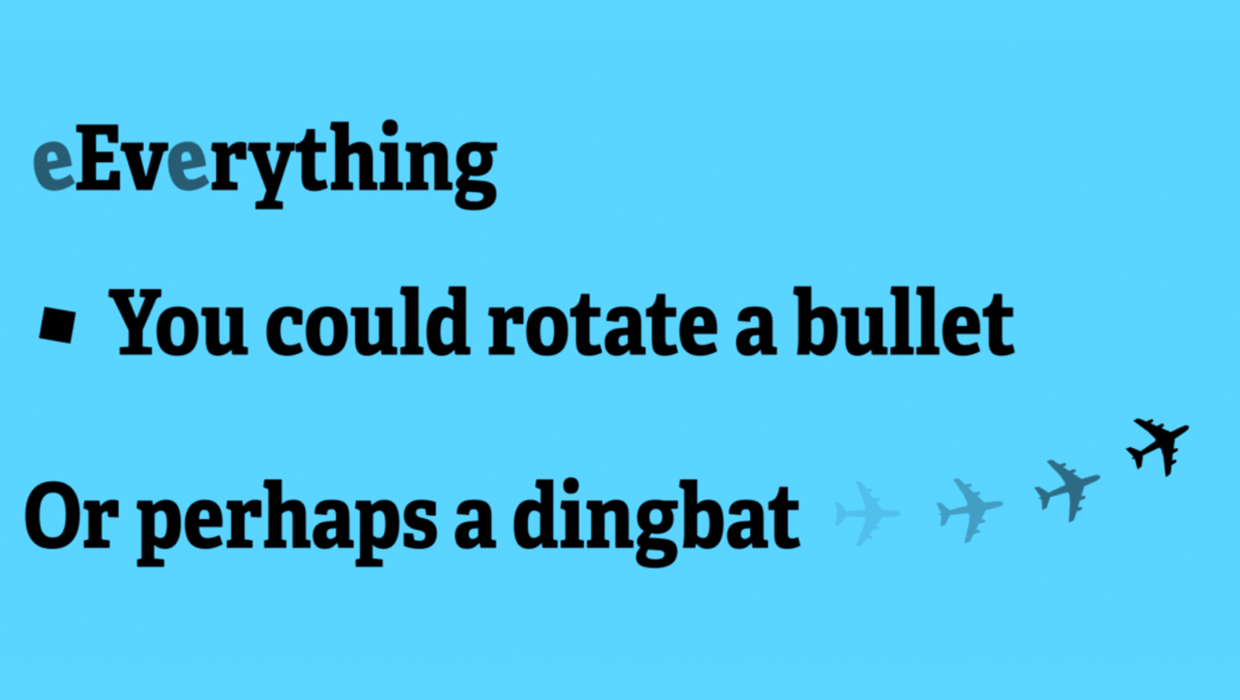
Free Script to Rotate Selected Characters
InDesign allows you to rotate text characters if you convert them to outlines. B...

Mystery of the Low First Baseline Contest Answer and Winners!
Last week I posted a challenge for folks to figure out why some text was sitting...
Creating Number Circles
Try one of these techniques to add some pop to your next numbered list.