



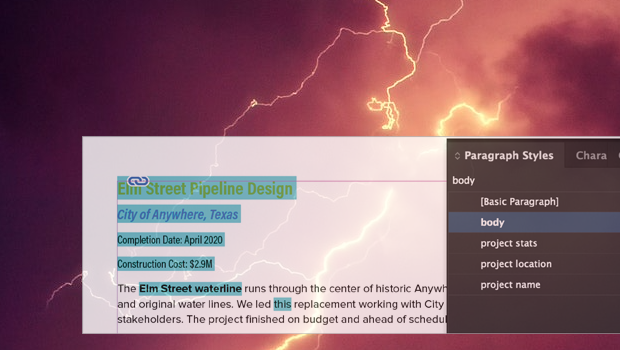
In this InDesign how-to video, Myra Ferguson explains why your text is highlighted in blue and what to do about it. Blue highlights are InDesign’s way to show that your local formatting is overriding a paragraph or character style. Whether you want to address the formatting conflict or simply toggle the highlight off, Myra’s got you covered.
Subscribe to the CreativePro YouTube channel for more helpful design tips!
This article was last modified on October 14, 2025
This article was first published on August 19, 2025
Commenting is easier and faster when you're logged in!

Recommended for you

10 Terrific Time Savers for InDesign
Life is busy. Work is hard. Use these tips to get more done faster.
Formatting in a Flash
How do you take 50 unstyled, manually formatted Word files and turn them into a...

Now available: GREP in InDesign, 3rd Edition
Learn how to harness the power of GREP in InDesign to supercharge your work. And...